


Keyboards
Which keyboard suits your desk? Contact us for advice or a quote
Filter by
Brand
Price incl. VAT
Price incl. VAT
Product line
Product line
Connectivity technology
Connectivity technology
Numeric keypad
Numeric keypad
Backlight
Backlight
47 products
Sort by Available first
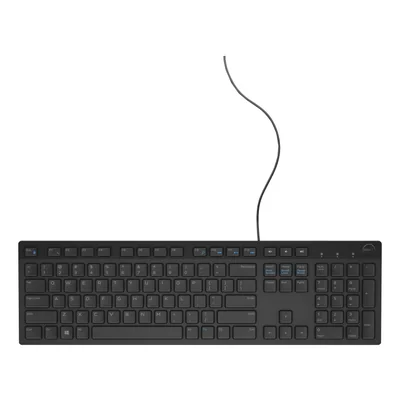
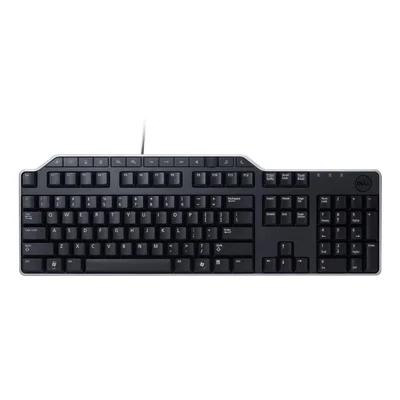
Wired USB multimedia keyboard, 104 keys, 2 USB 2.0 ports, detachable wrist rest, black
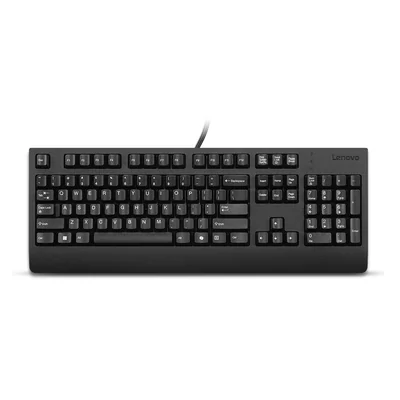
Wired keyboard, French AZERTY, Copilot key, numeric keypad, black
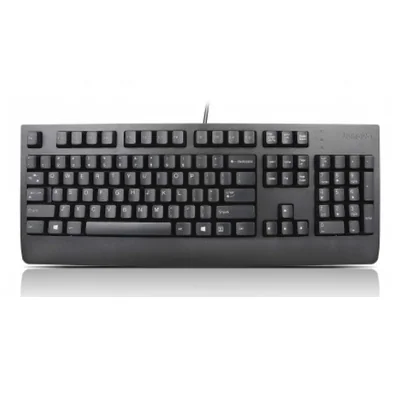
Wired USB keyboard, French AZERTY, numeric keypad, black
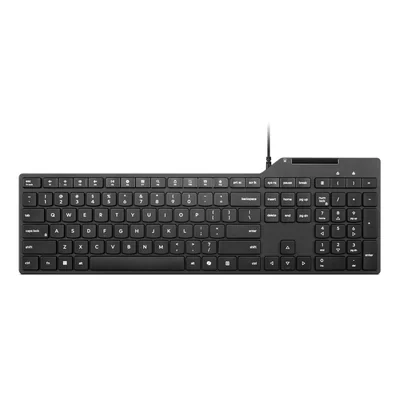
Wired keyboard with smart card reader, French AZERTY, Copilot key, black
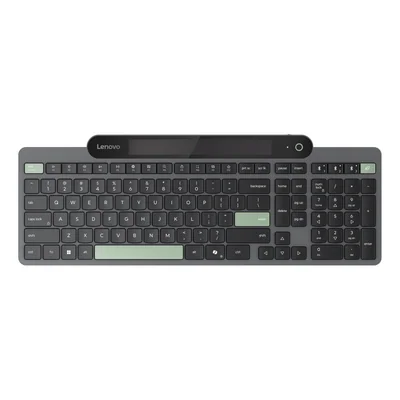
Light-powered self-charging wireless Bluetooth keyboard, French AZERTY
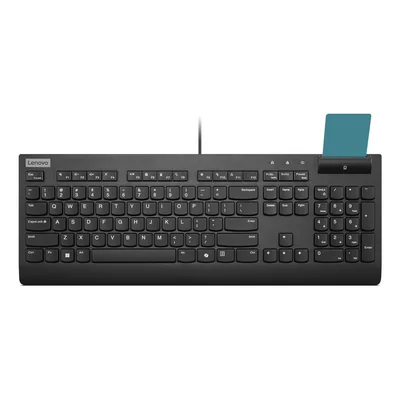
Wired USB keyboard with smart card reader, Copilot key, black
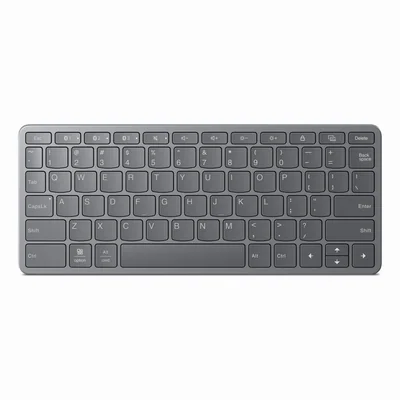
Bluetooth and USB-C multi-device keyboard, grey
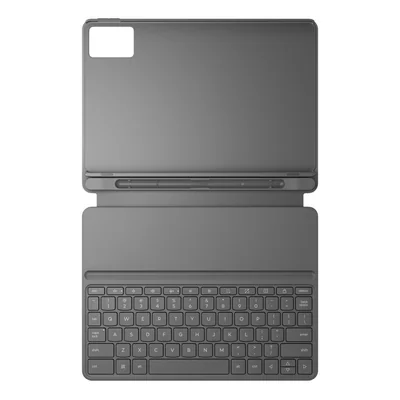
Tablet keyboard case, Pogo Pin, built-in stand and pen holder, grey
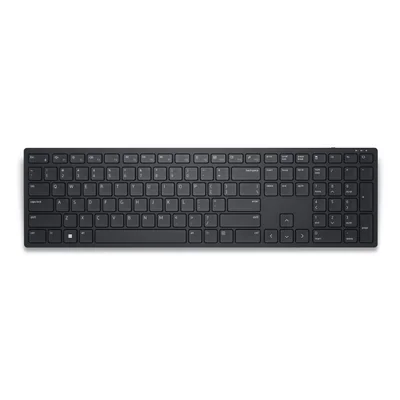
Wireless keyboard 2.4 GHz, French AZERTY, numeric keypad, black
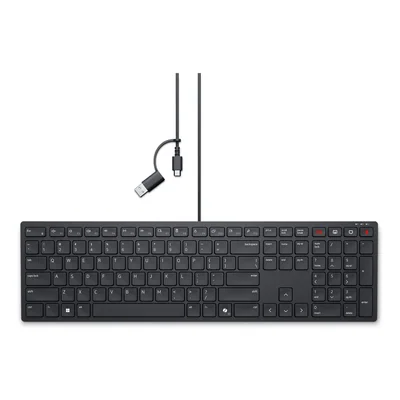
Silent wired collaboration keyboard, French AZERTY, USB-C and USB-A, black
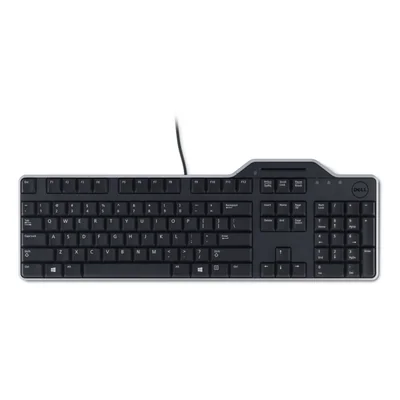
Wired USB keyboard with smart card reader, French AZERTY, black
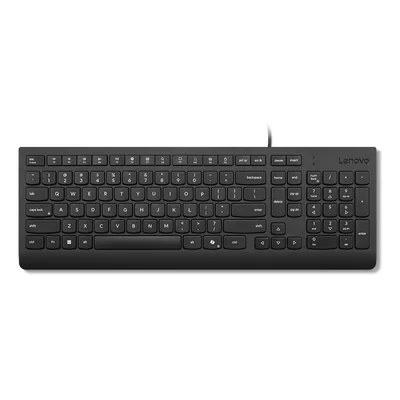
Wired USB keyboard, 105 keys, numeric keypad, Copilot key, black
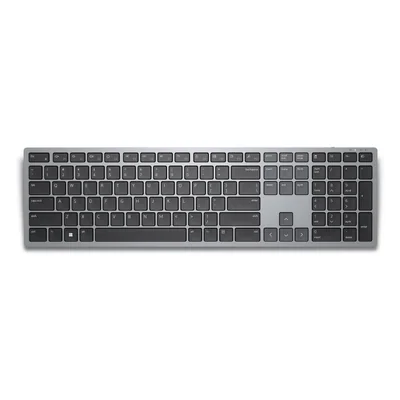
Wireless keyboard for 3 devices, USB receiver and Bluetooth 5.0, numeric keypad, grey
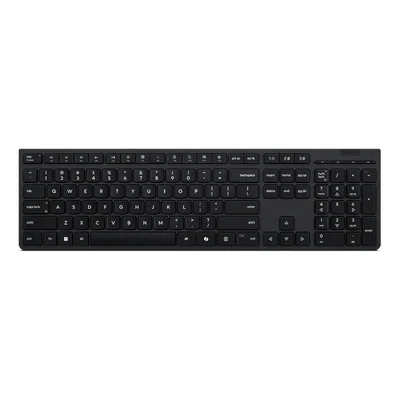
Rechargeable wireless keyboard, 2.4 GHz and Bluetooth, grey
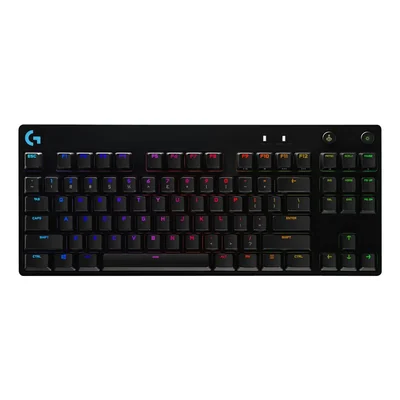
TKL mechanical gaming keyboard, GX Blue Clicky switches, RGB, French AZERTY, black
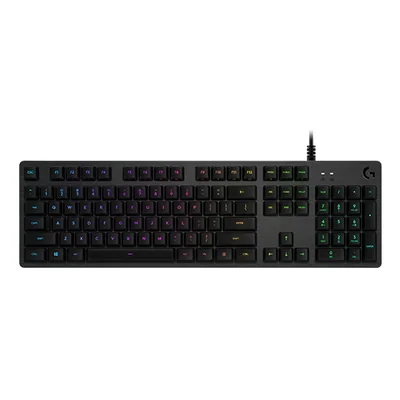
Wired mechanical gaming keyboard, GX Brown switches, RGB backlighting, French AZERTY
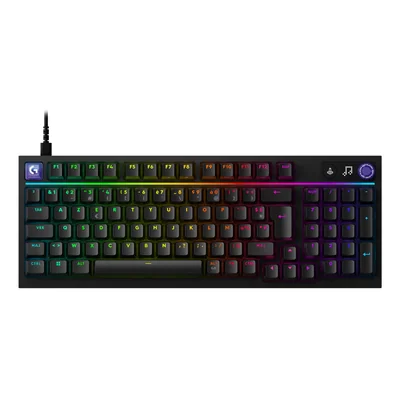
Wired mechanical gaming keyboard, hot-swappable tactile switches, LIGHTSYNC, French AZERTY keyboard, black
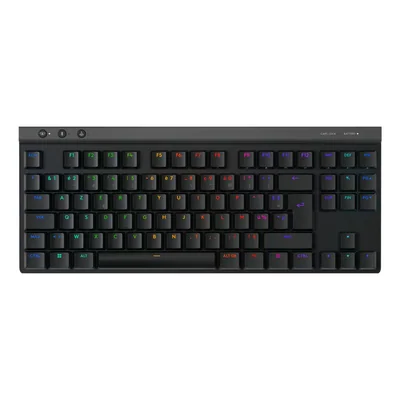
Wireless mechanical gaming keyboard, French AZERTY, backlit, black
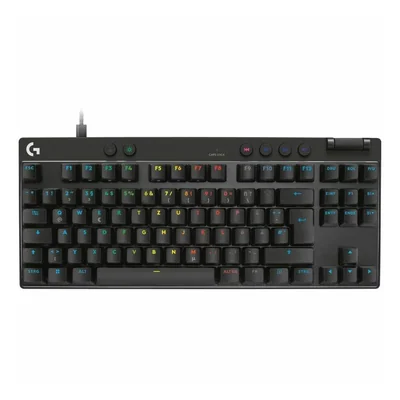
Wired TKL gaming keyboard, analogue magnetic switches, French AZERTY, black
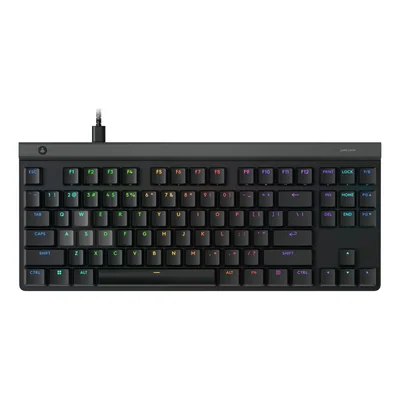
Wired gaming keyboard with analog magnetic switches, low profile, French AZERTY, black
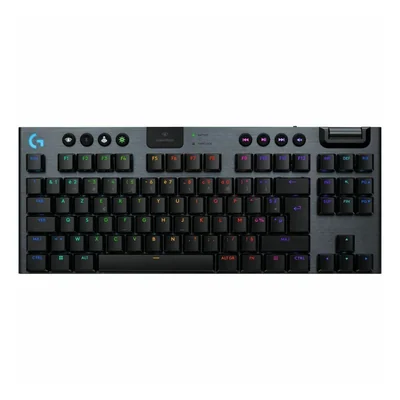
Wireless mechanical gaming keyboard, GL Tactile switches, French AZERTY, black
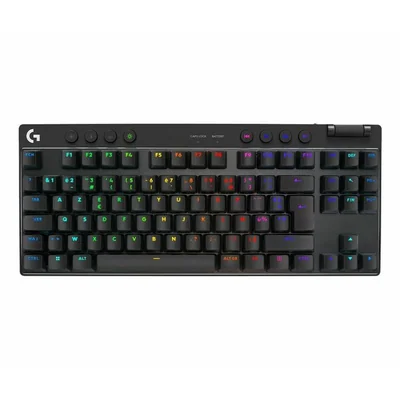
French AZERTY wireless gaming keyboard, Bluetooth, RGB backlighting, black
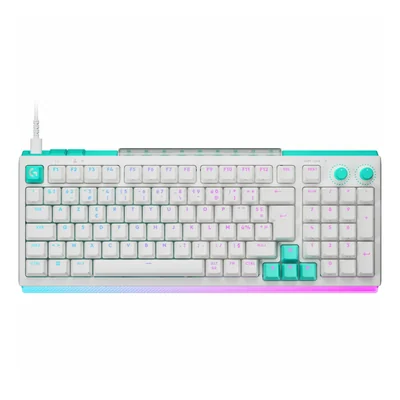
Wired gaming keyboard, French AZERTY, analogue and mechanical switches, 8000 Hz, RGB, white
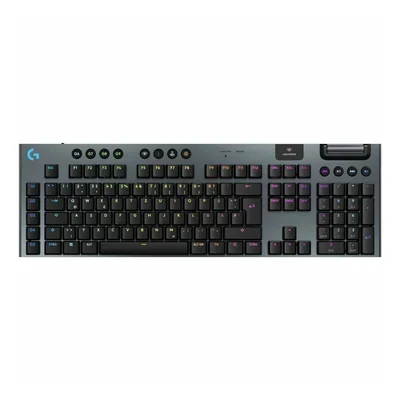
Wireless mechanical gaming keyboard, GL Tactile, French AZERTY, black
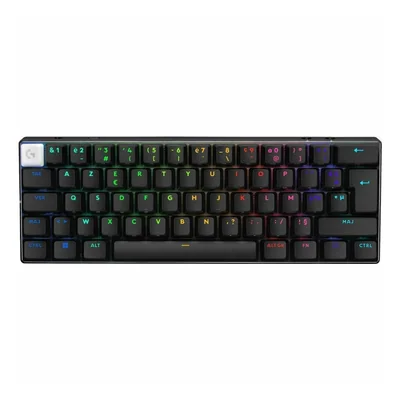
Wireless gaming keyboard, French AZERTY, 60%, tactile optical switches, RGB, black
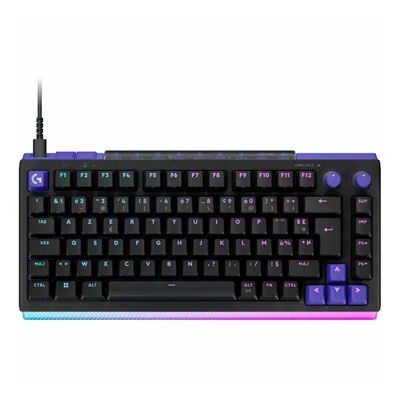
Wired gaming keyboard, French AZERTY, 81 keys, hot-swappable switches, 8000 Hz, RGB, black
Unavailable
€239.70 incl. VAT
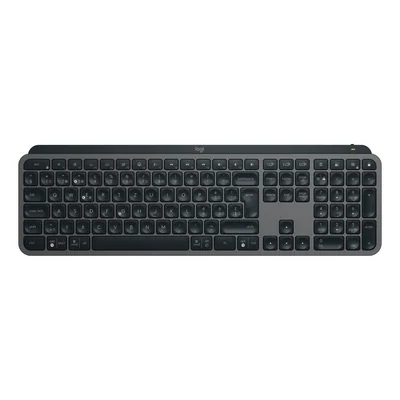
Backlit wireless keyboard, French AZERTY, Bluetooth, Logi Bolt, graphite
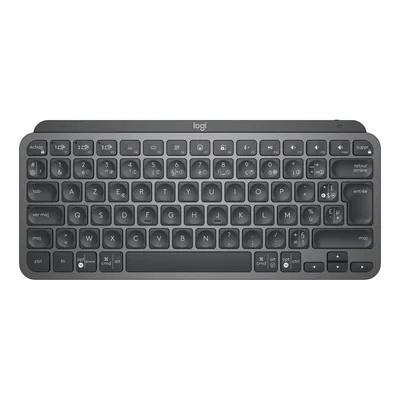
Compact backlit wireless keyboard, Bluetooth and Logi Bolt, French AZERTY keyboard, dark grey
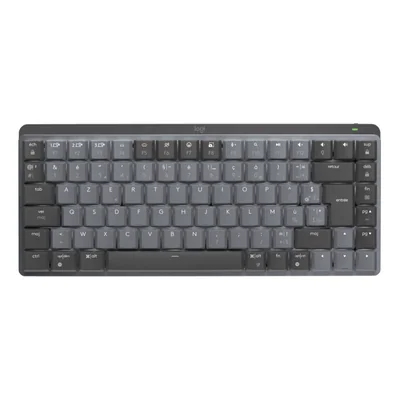
Wireless mechanical keyboard, French AZERTY, backlit, tactile switches, dark grey
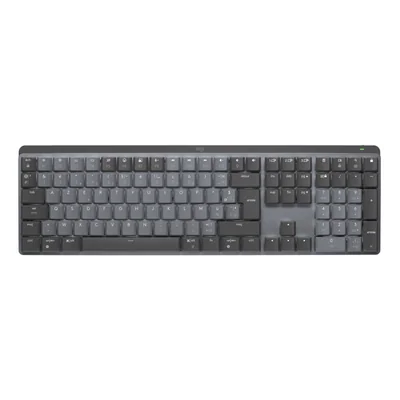
Wireless illuminated mechanical keyboard, French AZERTY, tactile switches, dark grey
Restock announced
€189.60 incl. VAT
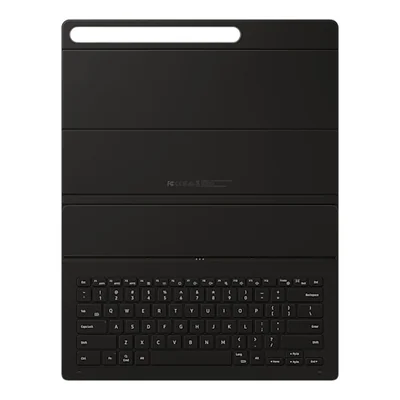
Keyboard cover for Galaxy Tab S9 Ultra, French AZERTY, black

Keyboard cover for Galaxy Tab S11, POGO connection, AI key, black
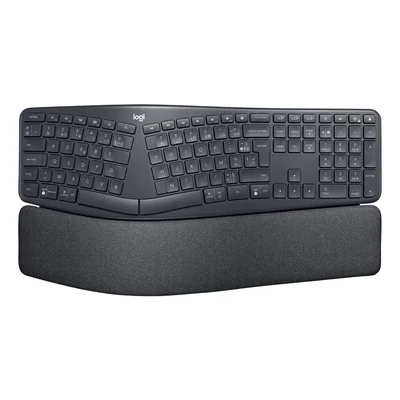
Ergonomic wireless keyboard, French AZERTY, Bluetooth and USB Unifying receiver, wrist rest, graphite
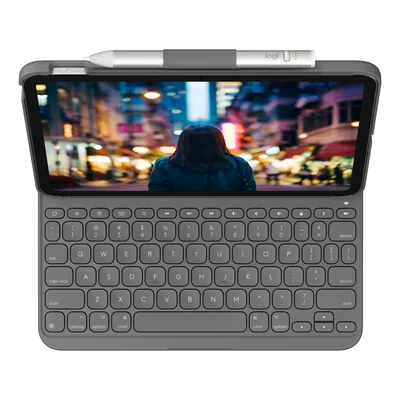
Bluetooth keyboard case for iPad 10th gen and A16, French AZERTY keyboard, grey
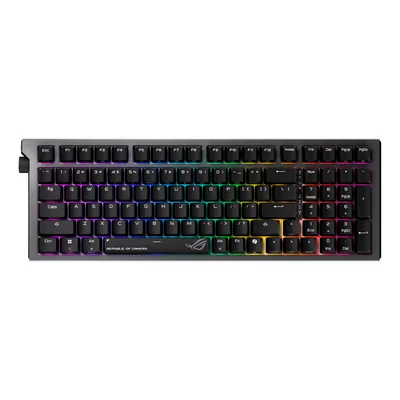
Wireless 96% mechanical keyboard, hot-swappable ROG NX V2 switches, RGB, black
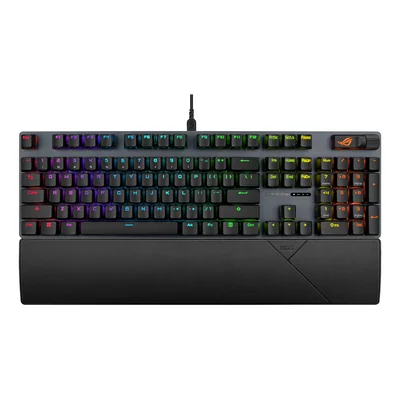
Wired mechanical gaming keyboard, French AZERTY, ROG NX Snow V2 switches, RGB, black
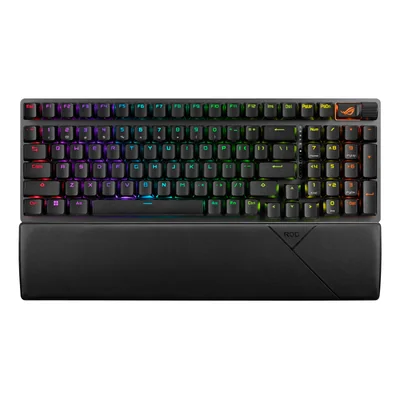
Wireless mechanical gaming keyboard, ROG NX Snow switches, Bluetooth, 2.4 GHz, wrist rest, black
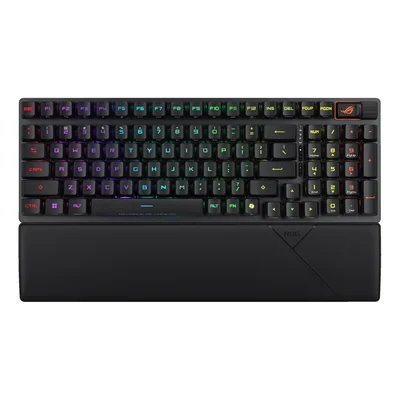
Wireless gaming keyboard, French AZERTY, 96%, ROG RX optical switches, wrist rest, black
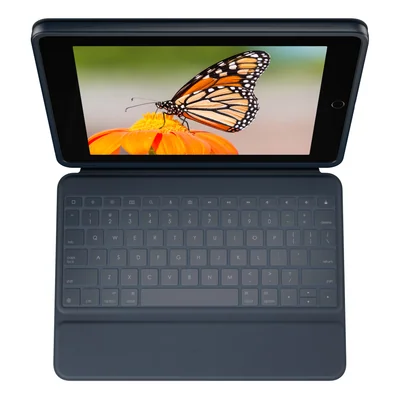
Keyboard case for iPad 7th, 8th and 9th generation, French AZERTY, Smart Connector, blue
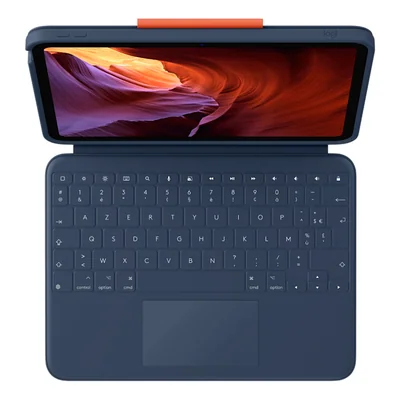
Keyboard case with trackpad for iPad 10th gen and A16, French AZERTY keyboard, blue
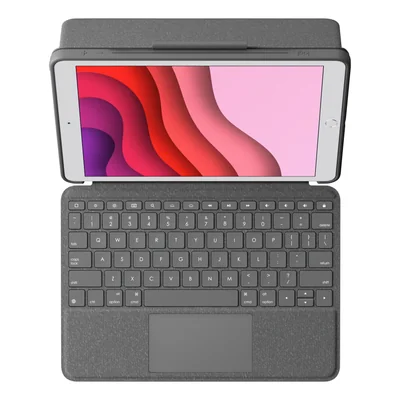
Keyboard case for iPad 7th, 8th and 9th gen, trackpad, backlit, French AZERTY keyboard, dark grey
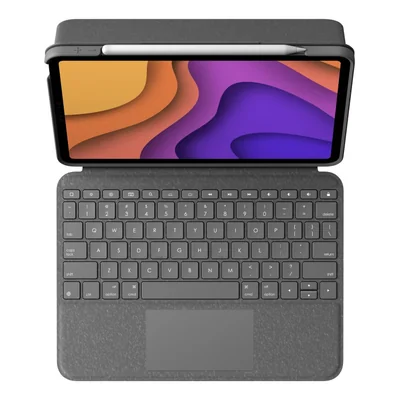
iPad Air case with backlit French AZERTY keyboard and trackpad, Smart Connector, grey
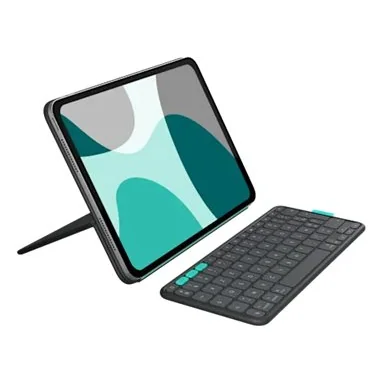
iPad Pro and iPad Air case with detachable Bluetooth keyboard, French AZERTY keyboard, dark grey
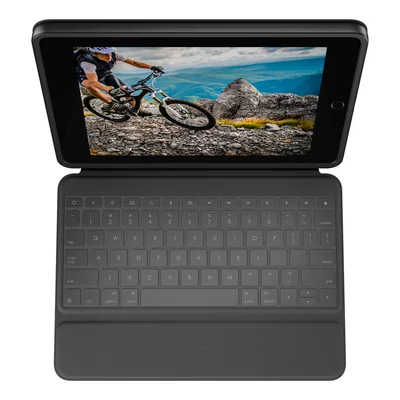
French AZERTY keyboard case for iPad 7th, 8th and 9th gen, dark grey
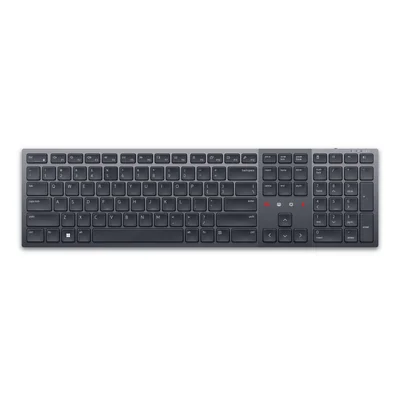
Backlit wireless keyboard, French AZERTY, numeric keypad, Bluetooth 5.1, dark grey
Restock announced
€156.90 incl. VAT

Wired keyboard, 3-port USB 2.0 hub, white and red
Unavailable
€33.10 incl. VAT


Wired, wireless, ergonomic and tablet keyboards in French AZERTY
The right keyboard depends first on the device it serves, whether a desktop PC, a laptop sitting on a docking station or a tablet. This range brings together wired USB and wireless French AZERTY keyboards, ergonomic models from the ERGO line and Logitech G mechanical keyboards for gaming. Separate numeric keypads and keyboard cases for iPad, Galaxy Tab or Surface Pro are here too. The MX, Dell Pro and Dell Pro Plus lines cover office work in both full-size and compact formats.
For everyday typing at a desk, a wired USB keyboard with a numeric keypad does the job with no batteries or charging to keep an eye on. In public bodies or companies that control access to workstations, the smart card reader keyboards from Dell Pro and Lenovo read the user's ID card without an extra box on the desk. When one person moves between a computer and a tablet, a multi-device keyboard such as the Dell Pro Plus remembers 3 devices and spares them from pairing again at every switch.
Then comes the link, from a USB-A or USB-C cable to a 2.4 GHz wireless receiver, Bluetooth and the Logi Bolt receiver on Logitech keyboards. Layout comes next, since a full-size 105-key keyboard keeps the numeric keypad while a compact one leaves more room for the mouse. Backlighting on the MX, Combo Touch and Folio Touch lines helps in dim rooms. Mechanical keyboards, for their part, differ by their switches, tactile on the MX Mechanical or louder with the GL Clicky switches of Logitech G. In an open-plan office or on video calls, a quiet model such as the Dell Pro collaboration keyboard is the better fit.
Before buying a keyboard case, check the exact tablet model and generation, as the 12.9" Combo Touch only fits certain iPad Pro generations. These cases connect through the Smart Connector on iPad or the POGO connector on Galaxy Tab, with no pairing or charging. On a Mac, a macOS version avoids mislabelled keys. Power is worth checking too, rechargeable on most wireless models, or drawn from ambient light on Lenovo's self-charging keyboard.
For an IT department, one wired model across every desk makes replacements straightforward, and the Copilot key on recent Lenovo keyboards opens the Windows 11 assistant directly. When iPads pass from hand to hand among pupils, the reinforced Rugged Combo cases are the obvious choice. At home, a multi-device keyboard from the MX line or an HP or Cherry keyboard and mouse combo kits out a desk in one go, while gamers will head for Logitech G.
Logitech covers the widest ground, from office typing with MX and ERGO to iPad cases. Dell and Lenovo focus on business workstations, with numeric keypads, smart card readers or detachable palm rests, while Samsung and Microsoft offer keyboards made for their own tablets. Cherry and Targus round out the range with wired keyboards and USB numeric keypads.
Frequently asked questions
Wired or wireless, which keyboard suits an office workstation?
A wired USB keyboard works as soon as it is plugged in, with no batteries or charging, which suits fixed desks and company fleets. A wireless model clears the desk and follows a laptop placed on a docking station.
Wireless keyboards connect through a 2.4 GHz receiver, Bluetooth or Logi Bolt depending on the model, and some combine several modes.
What is a keyboard with a smart card reader used for?
It reads the user's ID card directly to log in or sign a document, with no external reader to add to the desk.
The Dell Pro and Lenovo lines offer wired USB versions in French AZERTY, a common setup in public bodies and companies that control access to their workstations.
What difference does the switch type make on a mechanical keyboard?
The switch shapes both the typing feel and the noise. A tactile switch, as on the MX Mechanical, gives a slight bump while staying discreet in an office.
A clicky switch, such as the GL Clicky on the Logitech G line, adds an audible click that gamers enjoy but colleagues in a shared office may not.
How can I be sure a keyboard case fits my tablet?
Check the exact tablet model and generation, not just the screen size. A 12.9" Combo Touch case, for instance, only fits certain iPad Pro generations.
The connection matters too, the Smart Connector on iPad and POGO on Galaxy Tab, both physical links that avoid Bluetooth pairing and keyboard charging.
Can one keyboard be used with several devices?
Yes, multi-device keyboards store several connections and switch between them without pairing again. The Dell Pro Plus handles 3, through a USB receiver and Bluetooth 5.0.
Logitech's MX line and some Lenovo and HP models work the same way, which is handy when moving between a computer and a tablet.
Does an ergonomic keyboard really improve everyday typing comfort?
An ergonomic keyboard such as Logitech's ERGO uses a curved shape and a palm rest that place the hands in a more natural position than a flat keyboard.
It takes a few days to get used to and mainly benefits people who type for long hours. Split keyboards take the idea further by separating the 2 halves of the keyboard.
What does the Copilot key found on some keyboards do?
It opens the Copilot assistant in Windows 11 directly, without going through the Start menu or the taskbar.
It appears on several recent wired Lenovo keyboards, with or without a smart card reader. On a computer where the assistant is not enabled, the key simply does nothing useful, and the rest of the keyboard works as normal.