


Monitors
Which monitor suits your desk? Contact us for advice or a quote
Filter by
Brand
Price incl. VAT
Price incl. VAT
Category
Category
Product line
Product line
Display diagonal
Display diagonal
Display resolution
Display resolution
Maximum refresh rate
Maximum refresh rate
Native aspect ratio
Native aspect ratio
Screen shape
Screen shape
Built-in speaker(s)
Built-in speaker(s)
Built-in USB hub
Built-in USB hub
Height adjustment
Height adjustment
395 products
Sort by Available first
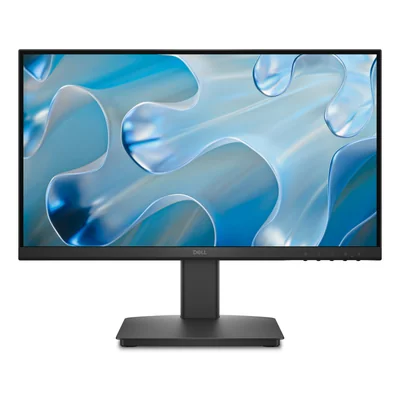
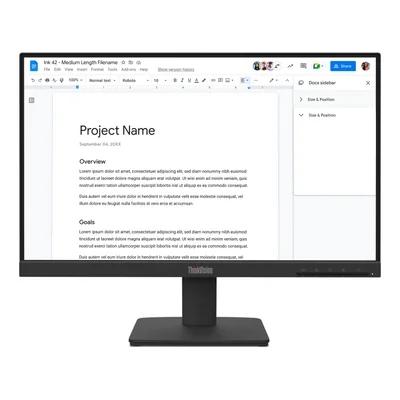
Full HD IPS monitor, 100 Hz, HDMI and VGA, black
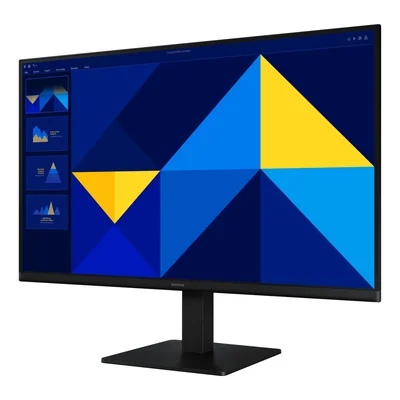
Full HD IPS 100 Hz monitor, HDMI, VGA, black
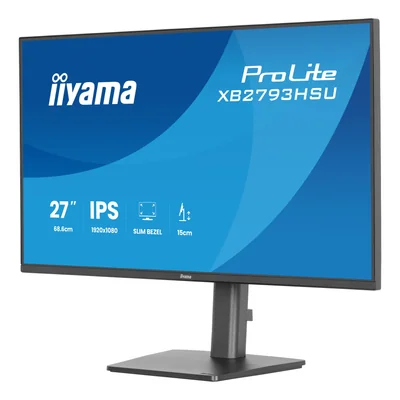
IPS Full HD monitor, 120 Hz, height-adjustable stand, speakers, USB hub, black
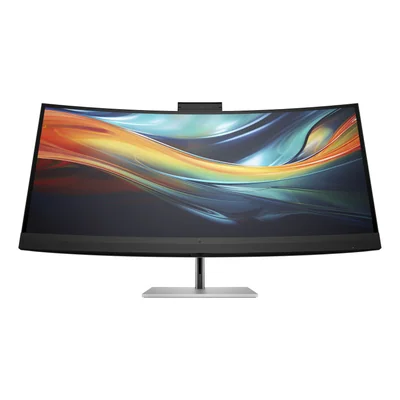
Curved 5K2K conferencing monitor, IPS, 4K webcam, Thunderbolt 3, Ethernet


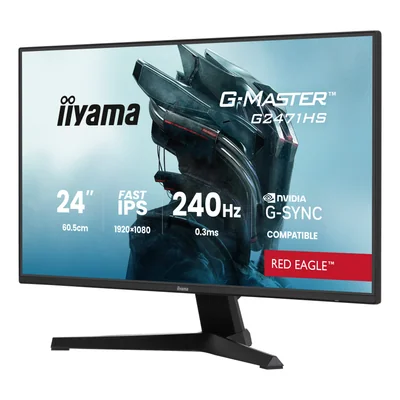
Gaming monitor, Fast IPS, Full HD, 240 Hz, 0.3 ms MPRT, HDR10, black
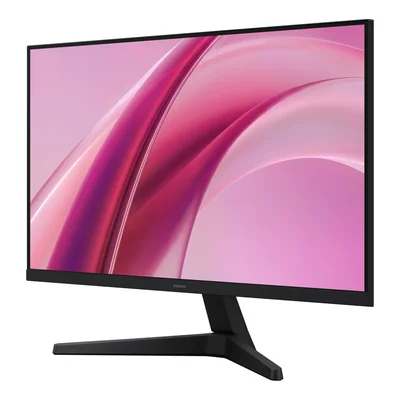
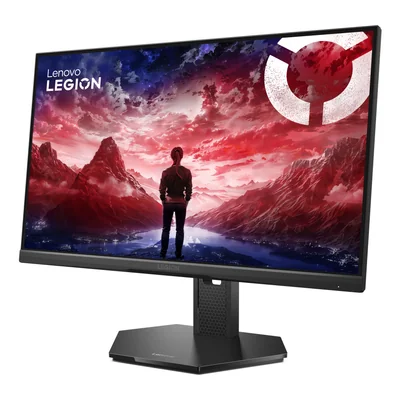
Gaming monitor, Full HD IPS, 320 Hz, 1 ms, HDMI 2.1, DisplayPort 1.4, black
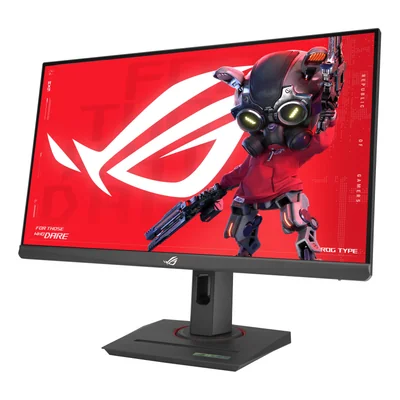
Gaming monitor, Full HD, Fast IPS, 180 Hz, 1 ms, USB-C, black
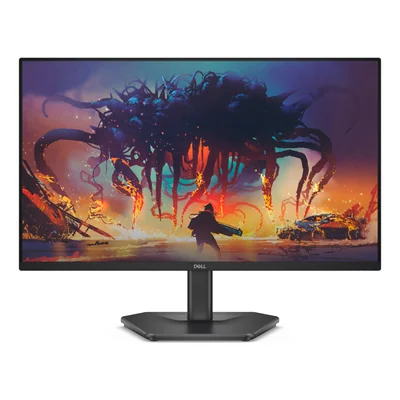
Gaming monitor, Full HD IPS, 200 Hz, AMD FreeSync Premium, HDMI 2.1, black
Unavailable


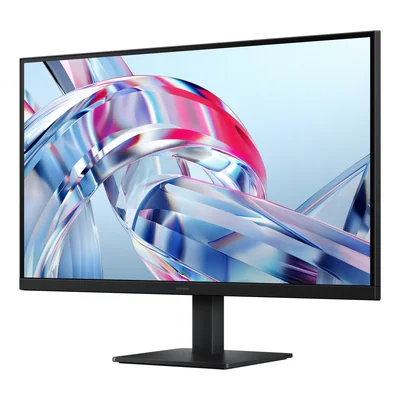
4K UHD IPS monitor, 60 Hz, HDR10, black
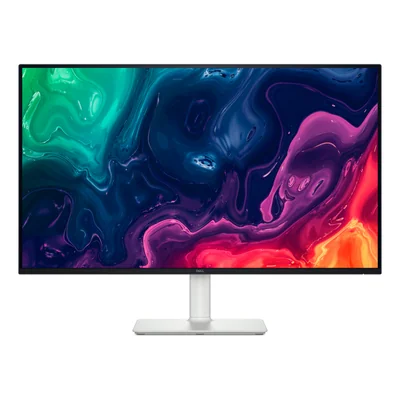
4K UHD VA monitor, 120 Hz, FreeSync Premium, built-in speakers, white
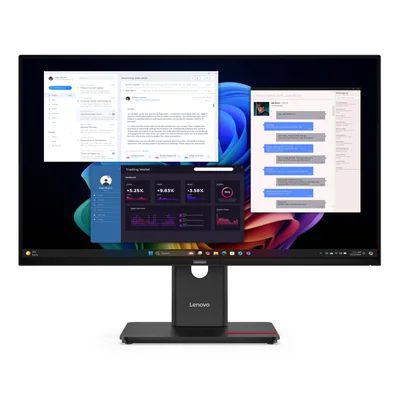
4K UHD IPS monitor with USB-C docking, 100 W Power Delivery, USB hub and Ethernet, black
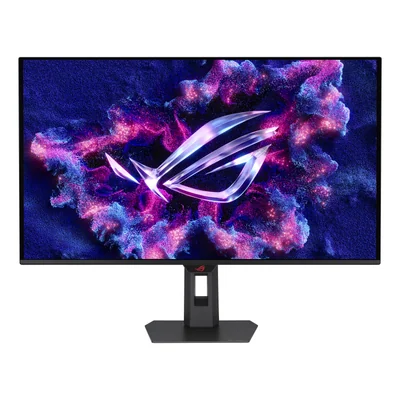
4K QD-OLED gaming monitor, 165 Hz, 0.03 ms, HDMI 2.1, USB-C, black
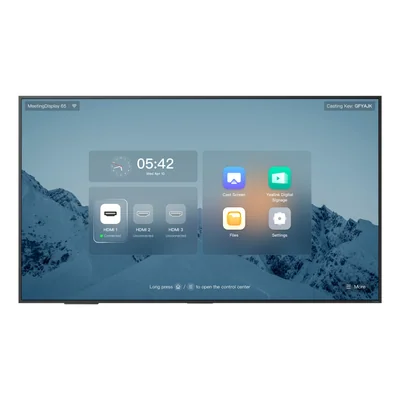
4K meeting room display, IPS, 500 cd/m², 3 HDMI 2.1, Wi-Fi 6, black
- Memory
- 4 GB
- Storage
- 32 GB
- Operating system
- Android 13
- Screen
- 65"


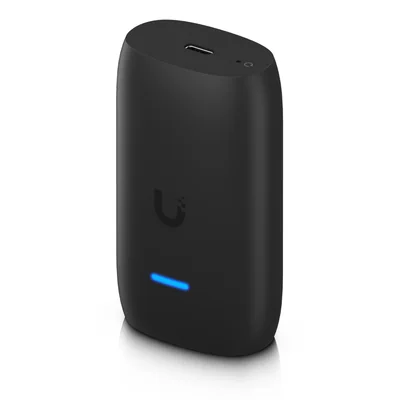
Managed digital signage player, HDMI output, Wi-Fi, USB-C power, black
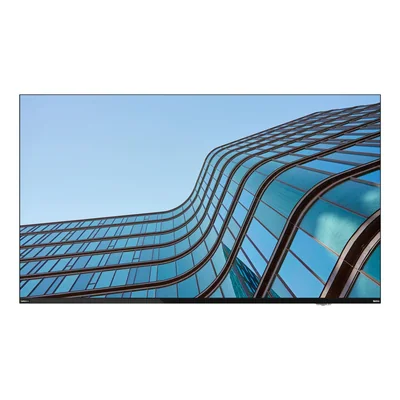
4K UHD large format display, VA panel, USB-C 96 W, 2 x 10 W speakers, black
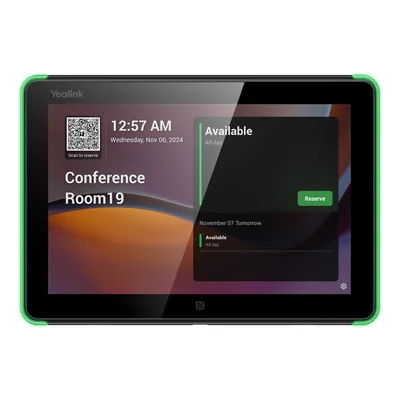
Touch room booking panel, Android 13, PoE, Wi-Fi 5, NFC, black
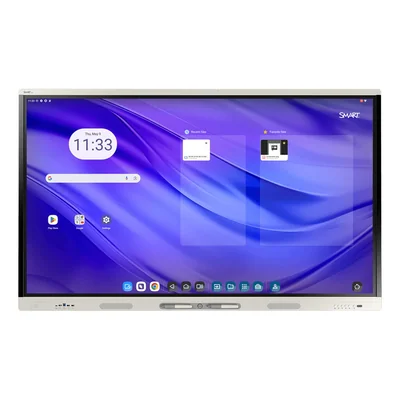
4K interactive touch display, 50 points, Android, Wi-Fi 6E, white
- Memory
- 8 GB
- Storage
- 64 GB
- Screen
- 75"


Choosing a computer monitor for office work, gaming or 4K
A computer monitor is best chosen around what it will show, whether spreadsheets all day, fast-paced games, photos to edit or information for the public. Here the range splits into office monitors, gaming monitors, 4K monitors and digital signage, from compact Full HD panels to interactive touch displays for meeting rooms. Ranges include Dell UltraSharp and Dell Pro, Lenovo ThinkVision, ASUS ProArt and TUF Gaming, Samsung Odyssey, Essential and ViewFinity, and iiyama ProLite and G-MASTER.
At a desk, a 27" screen at 2560 x 1440 fits 2 documents side by side with crisp text. A model with a USB-C docking station powers a laptop, connects it to the network and carries the picture over a single cable. Gamers tend to focus on refresh rate, 144 Hz or more on a Fast IPS or VA panel, so that movement stays sharp without smearing. Photo and video editors usually turn to 4K and the calibrated OLED panels of the ProArt range. A reception area or classroom calls rather for a digital signage display built for continuous operation, or an interactive screen running Android.
Screen sizes start at 23.8" and 24" for compact workstations, move through 27", 31.5" and 32", and reach 34" and 49" in ultrawide formats. Resolution should match size, since Full HD at 1920 x 1080 stays sharp up to 24", while beyond that 2560 x 1440 or 3840 x 2160 avoids a grainy image. The 21:9 and 32:9 formats, at 3440 x 1440 or 5120 x 1440 and often curved, stand in for a pair of monitors. 16:10 at 1920 x 1200, for its part, adds extra lines for long documents. As for refresh rate, 60 and 75 Hz are fine for work, 100 and 120 Hz make scrolling smoother, and 144 to 240 Hz is where gaming begins.
Before buying, the computer's own ports settle most questions. A laptop only charges through the monitor if its USB-C port handles both video and power. Likewise, a high refresh rate only appears with a graphics card and cable that support it, most often over DisplayPort. A height-adjustable stand matters for comfort over long days, and a monitor arm or wall mount should be checked against the size and weight it accepts. The classic mistake is a large Full HD screen bought for reading text, where characters look soft at desk distance.
For a company fleet, standardising on one model with a USB hub, Ethernet port and USB-C makes shared desks simpler, as anyone can plug in a laptop with one cable. Refurbished Philips or LG monitors suit office workstations. Classrooms and council chambers tend to call for interactive touch displays from 65" to 86", some with an OPS slot that takes a plug-in PC module. Narrow-bezel panels, for their part, serve video walls. Home buyers mostly weigh desk space and their own uses, gaming, photography or remote work, before settling on a resolution.
Dell, Lenovo and Samsung offer many office monitors with USB-C docking, joined by BenQ, MSI with its PRO range and HP with its Series Pro models. ASUS pairs ProArt with colour work, with a built-in colorimeter or a bundled calibration probe depending on the model, while iiyama G-MASTER, ASUS TUF Gaming, Acer Nitro and LG UltraGear cover gaming. Sharp, Philips, LG and Samsung account for most of the large digital signage and interactive formats.
To help you choose, read our guide Choosing a business monitor.
Frequently asked questions
Office monitor or 4K monitor, which is better for working all day?
Up to 24", a Full HD office monitor at 1920 x 1080 stays sharp enough for everyday office tasks. On a 27" or 32" screen, 4K at 3840 x 2160 makes text and images noticeably finer, which helps with photo editing, CAD or long documents. On a 27", 2560 x 1440 is a sensible middle ground when the computer's graphics are modest.
What refresh rate does a gaming monitor need?
Gaming monitors run from 144 to 240 Hz, compared with 60 to 100 Hz for most office models. A higher rate makes motion smoother and reduces blur in fast games, provided the graphics card renders enough frames per second and the cable, often DisplayPort, carries that refresh rate.
Can a USB-C monitor charge a laptop?
Yes, many office monitors, including models in the UltraSharp, ThinkVision and Essential ranges, carry picture, data and laptop power over a single USB-C cable. The laptop's USB-C port must still accept video and charging, and the power the monitor supplies must suit the computer, a point specific to each model.
Should I choose a flat or a curved monitor?
A curved screen makes most sense on large ultrawide 21:9 or 32:9 models, where the curve brings the edges back into your field of view. On a 24" or 27" 16:9 screen, a flat panel is easier to line up with a second monitor and better suited to technical drawing or page layout.
How does a digital signage display differ from an office monitor?
A digital signage display is built to run continuously, with higher brightness so it stays readable in a lobby or shop window. Depending on the model, it includes a system such as Android or webOS to play content without a computer, or an OPS slot. An office monitor is viewed up close and relies on the PC it is connected to.
What is a built-in USB hub on a monitor for?
A built-in USB hub turns the monitor into the connection point for the whole workstation. Keyboard, mouse or webcam stay plugged into it, and some models add an Ethernet port and a KVM switch. In a business, a laptop then connects with a single cable, which simplifies shared desks.
Can a 32:9 ultrawide monitor replace 2 screens?
A 49" monitor at 5120 x 1440 offers roughly the area of two 27" screens at 2560 x 1440 side by side, without a bezel in the middle. It suits tracking several windows, video editing or simulation. Plan for a deep enough desk and a graphics card that handles this resolution, usually over DisplayPort or USB-C.