


Mice
Which mouse suits your hand? Contact us for advice or a quote
Filter by
Brand
Price incl. VAT
Price incl. VAT
Product line
Product line
Device interface
Device interface
Purpose
Purpose
Form factor
Form factor
Movement resolution
Movement resolution
Power source
Power source
48 products
Sort by Available first
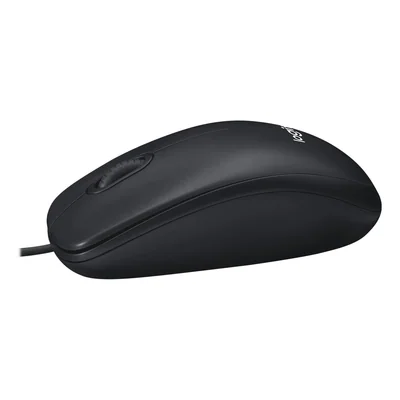
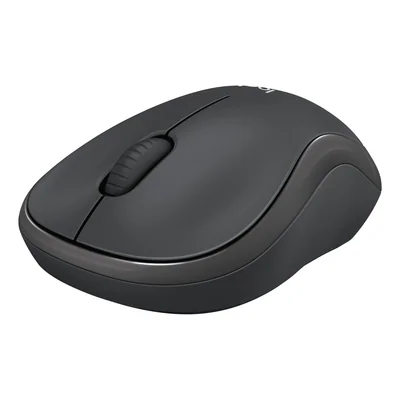
Ambidextrous Bluetooth wireless mouse, silent clicks, 4000 dpi, dark grey
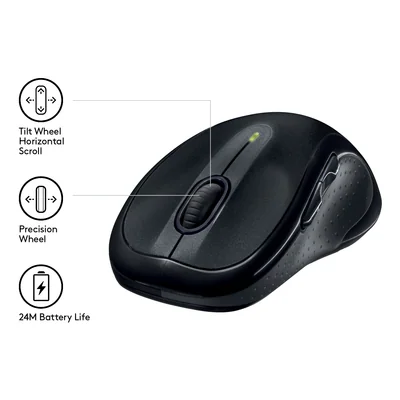
Wireless mouse, Unifying receiver, 7 buttons, tilt wheel, black
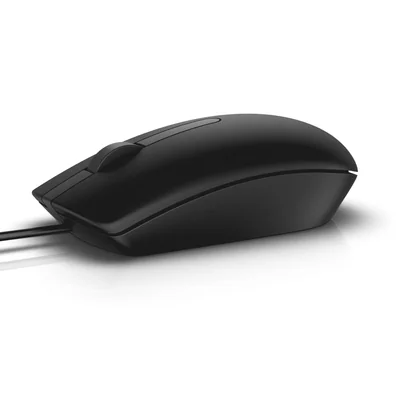
Wired USB optical mouse, 1000 DPI, ambidextrous, black
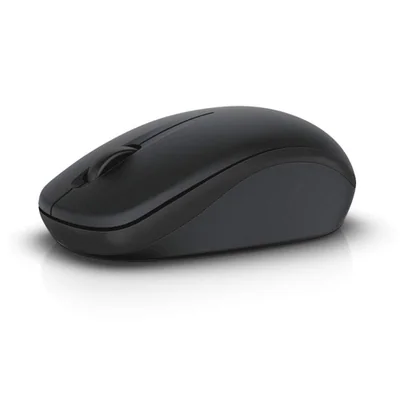
Wireless optical mouse, 2.4 GHz, 3 buttons, USB receiver, black
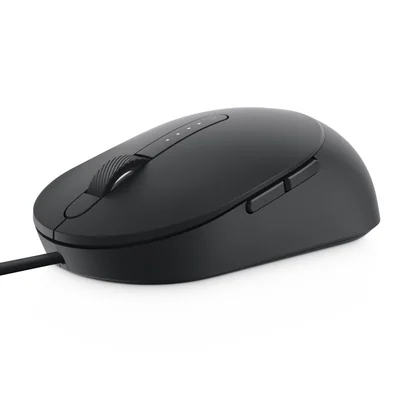
Wired USB laser mouse, 3200 DPI, 5 buttons, ambidextrous, black
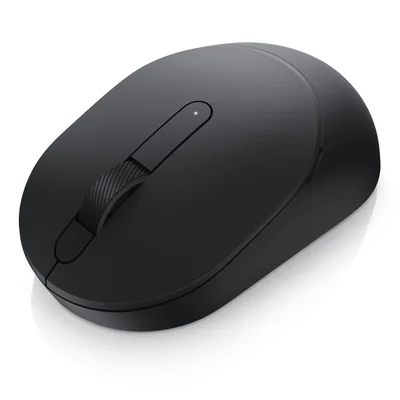
Wireless mouse, 2.4 GHz and Bluetooth 5.0, optical, 3 buttons, black
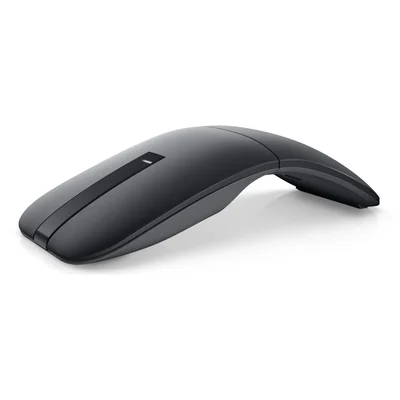
Bluetooth 5.0 wireless travel mouse, twistable, ambidextrous, 4000 DPI, black
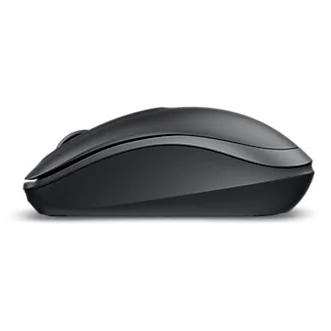
Ambidextrous wireless optical mouse, 2.4 GHz RF, 1000 DPI, black
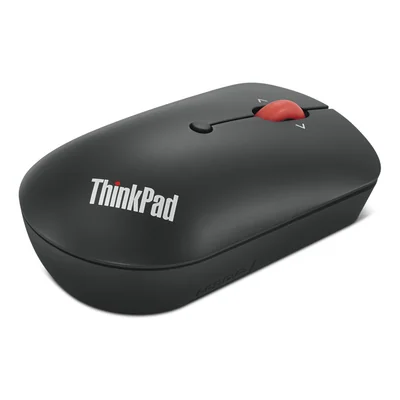
2.4 GHz wireless ambidextrous mouse, USB-C receiver, 2400 DPI, black
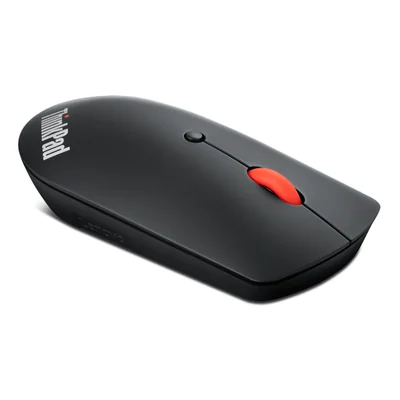
Silent wireless Bluetooth 5.0 mouse, ambidextrous, 2400 DPI, black
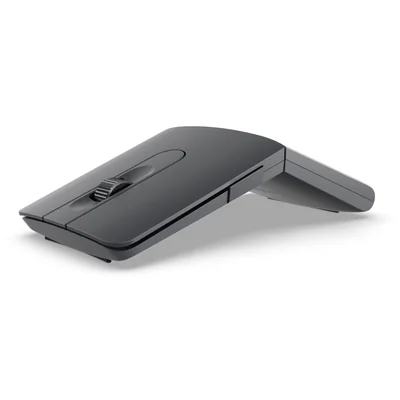
Wireless Bluetooth mouse with presenter mode, USB-C rechargeable, grey
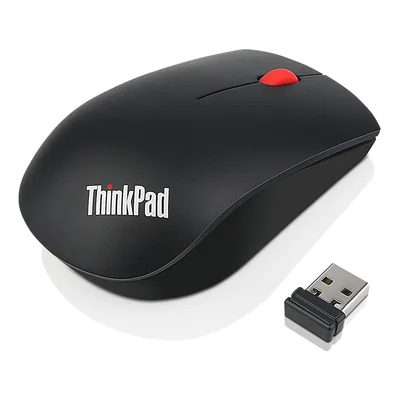
Ambidextrous wireless mouse, USB nano receiver, 1200 DPI, black
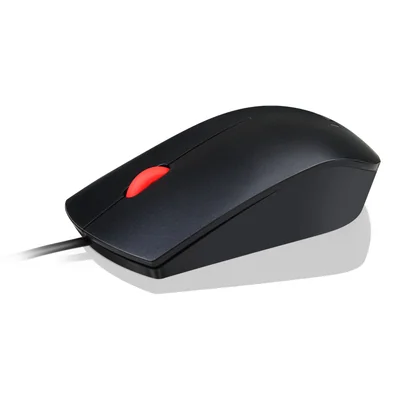
Wired optical USB mouse, ambidextrous, 1600 DPI, black
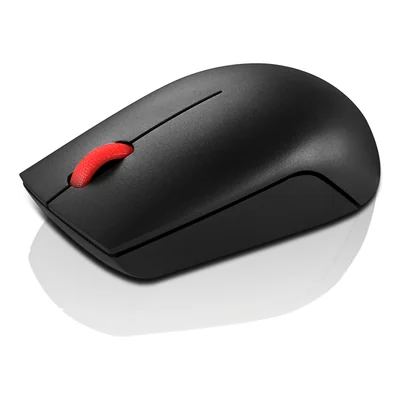
Ambidextrous 2.4 GHz wireless mouse, 1000 DPI, USB-A receiver, black
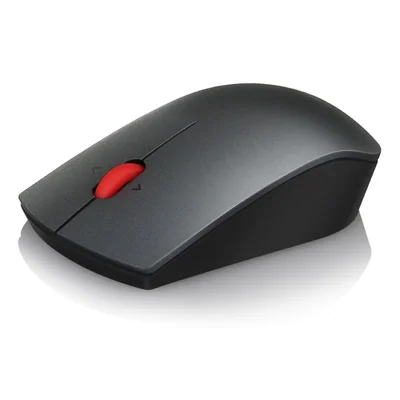
Wireless laser mouse 1600 dpi, ambidextrous, black, batteries included
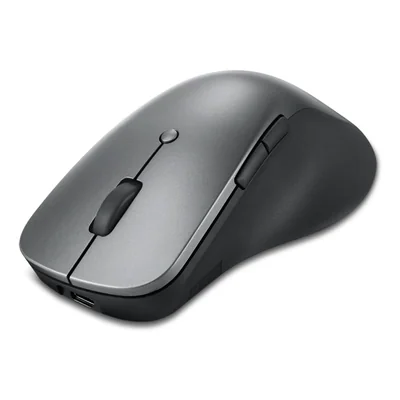
Ergonomic right-hand Bluetooth wireless mouse, 4000 DPI, grey
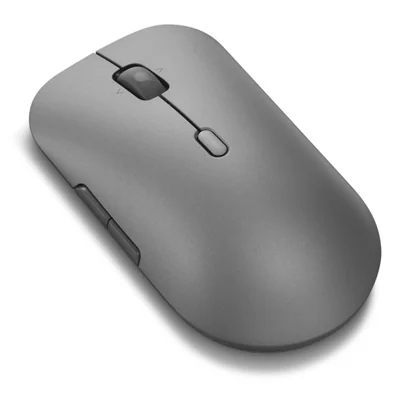
Multi-mode wireless mouse, Bluetooth 5.3 and 2.4 GHz, silent, 4000 DPI, grey
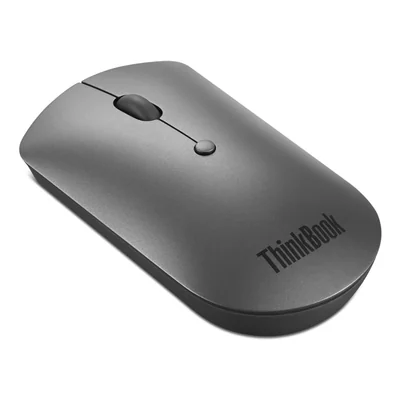
Silent wireless ambidextrous mouse, Bluetooth 5.0, 2400 DPI, grey
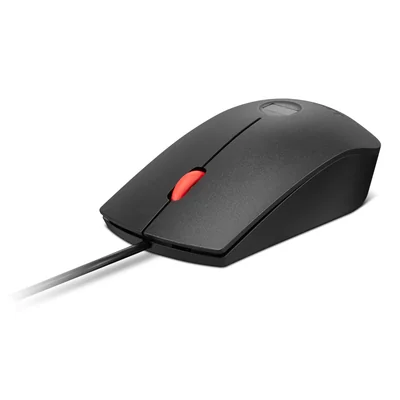
Wired USB mouse with fingerprint reader, 2000 DPI, black and red
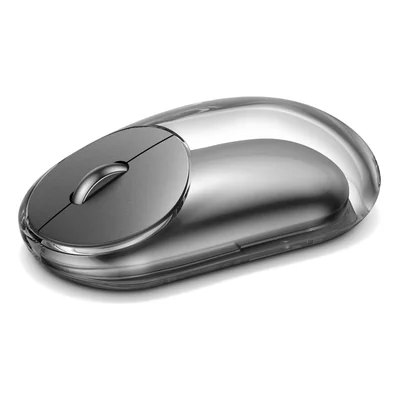
Bluetooth and 2.4 GHz wireless mouse, rechargeable, ambidextrous, 4000 DPI, grey
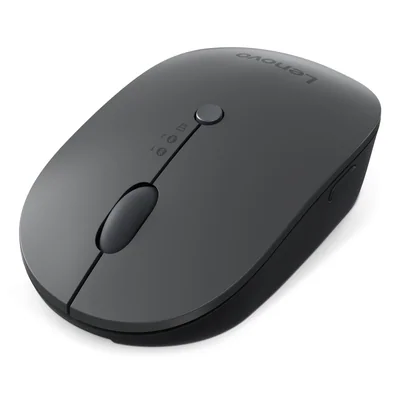
Ambidextrous wireless mouse, Bluetooth and USB-C receiver, Qi charging, grey and black
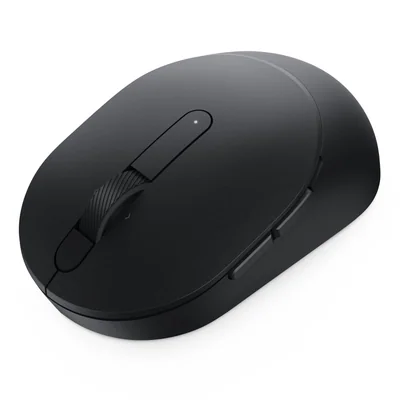
Wireless mouse, 2.4 GHz and Bluetooth 5.0, 7 buttons, black
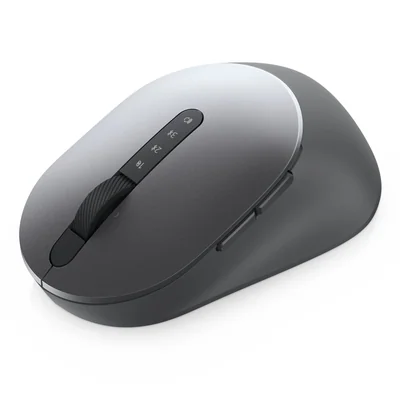
Multi-device wireless mouse, 2.4 GHz and Bluetooth 5.0, 7 buttons, grey
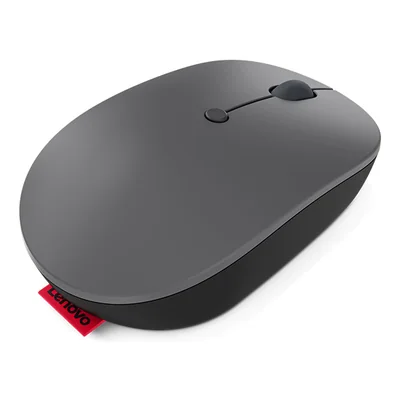
Rechargeable ambidextrous wireless mouse, USB-C receiver, 2400 DPI, black
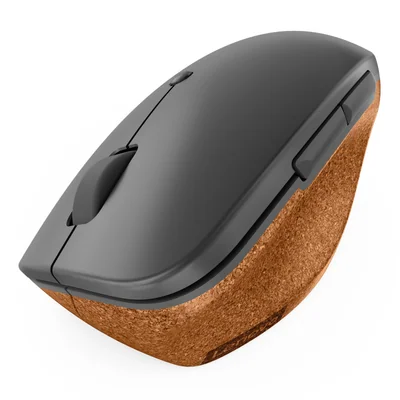
Ergonomic wireless vertical mouse for right hand, 2400 DPI, storm grey with natural cork
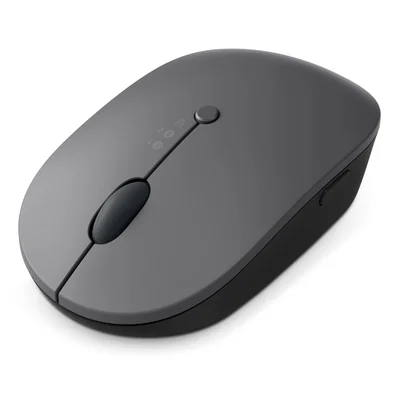
Wireless mouse, Bluetooth and USB-C receiver, USB-C and Qi rechargeable, 2400 DPI, black
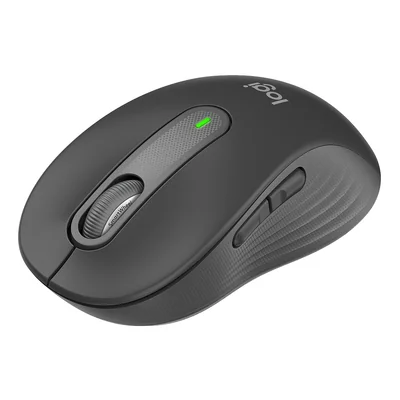
Wireless Bluetooth and Logi Bolt mouse, size M, right-handed, silent clicks, dark grey
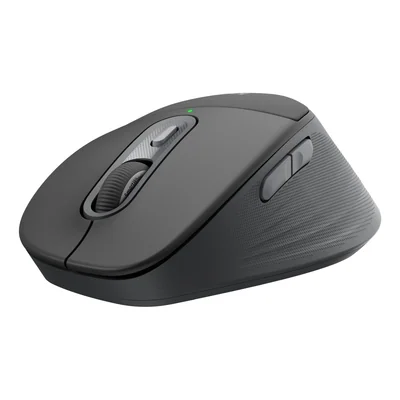
Ergonomic Bluetooth wireless mouse for right-handed users, dark grey
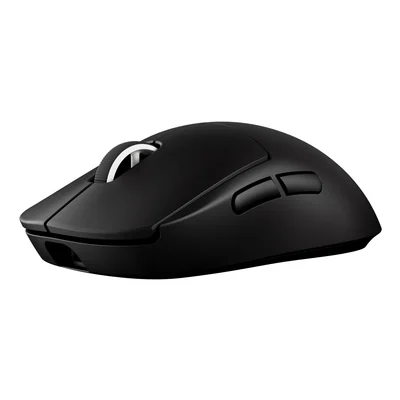
Wireless gaming mouse, HERO 2 sensor 44000 DPI, black
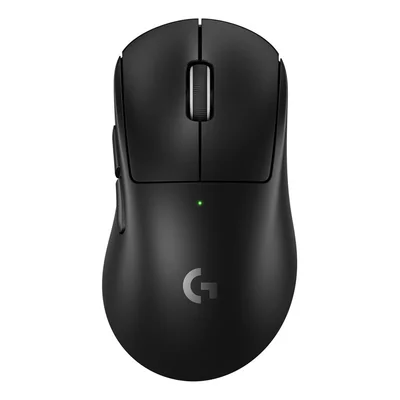
Wireless gaming mouse for right-handers, HERO 2 sensor, LIGHTSPEED, 60 g, black
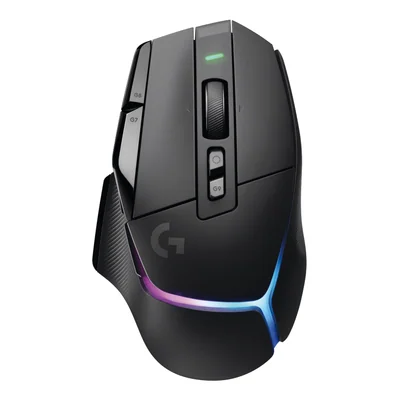
LIGHTSPEED wireless gaming mouse, 13 programmable controls, RGB, black
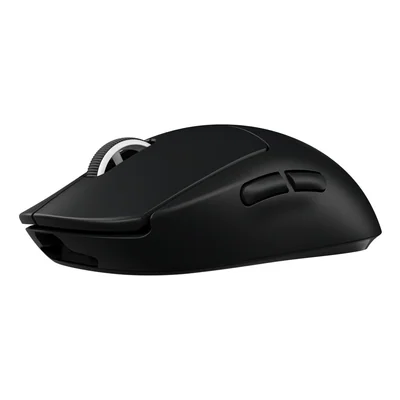
LIGHTSPEED wireless gaming mouse, HERO 25600 DPI sensor, black
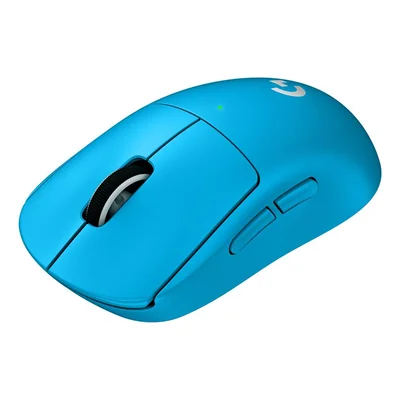
LIGHTSPEED wireless gaming mouse, 44000 DPI, 8000 Hz, 60 g, light blue
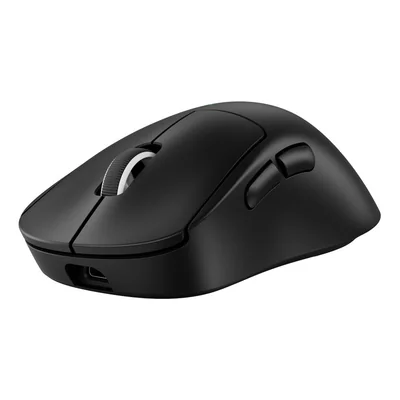
Wireless gaming mouse for right-handers, HERO 2 sensor, LIGHTSPEED 2, 60 g, black
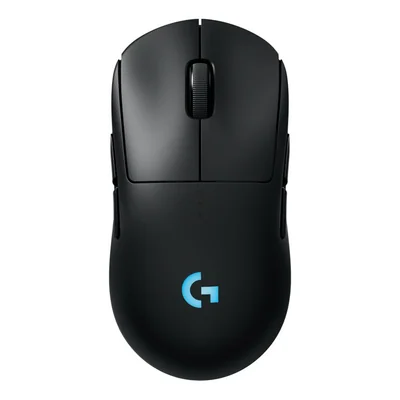
Ambidextrous wireless gaming mouse, HERO 2 sensor, 80 g, black
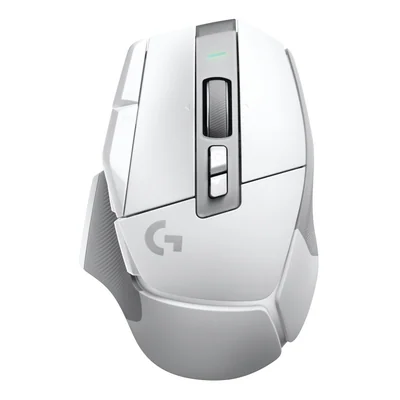
Wireless gaming mouse, 13 programmable buttons, 140 h battery life, white
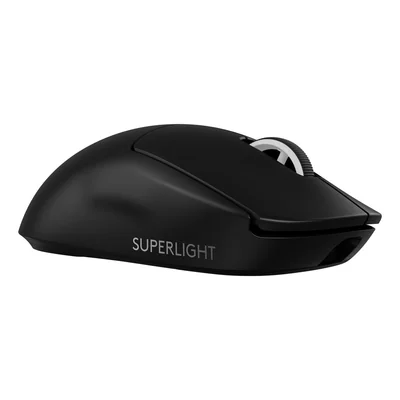
Wireless gaming mouse, HERO 2 sensor, 44,000 DPI, 60 g, black
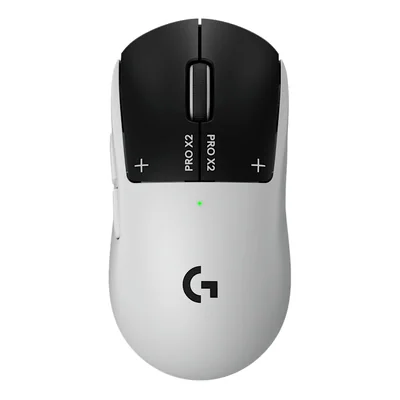
Wireless gaming mouse, HERO 2 44000 DPI sensor, black and white
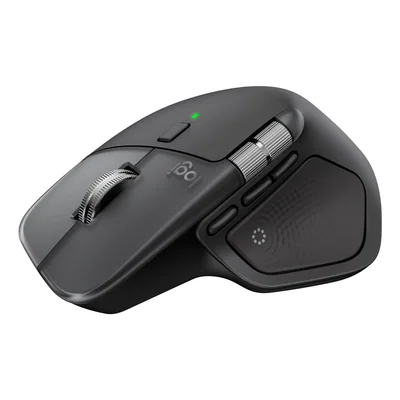
Wireless mouse, Bluetooth, 8000 DPI, 8 buttons, black
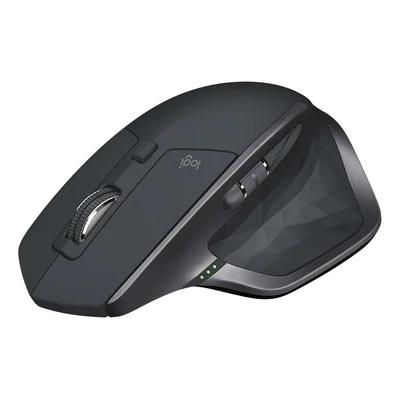
Ergonomic right-handed Bluetooth wireless mouse, 4000 DPI laser, rechargeable, dark grey
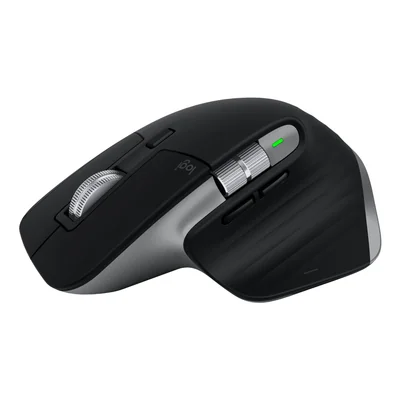
Ergonomic wireless mouse, Bluetooth, 8000 DPI, right-handed, black and grey
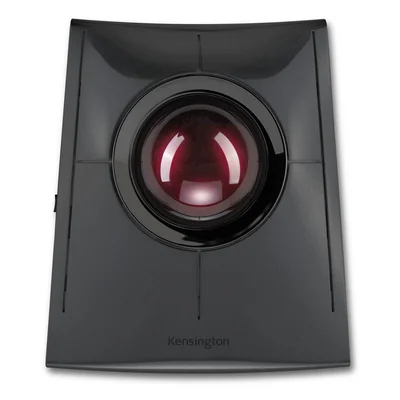
Wireless Bluetooth and 2.4 GHz trackball, rechargeable, ambidextrous, black
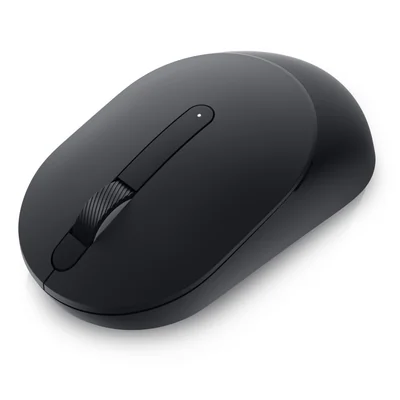
Full-size 2.4 GHz wireless mouse, ambidextrous, 3 buttons, 4000 DPI, black
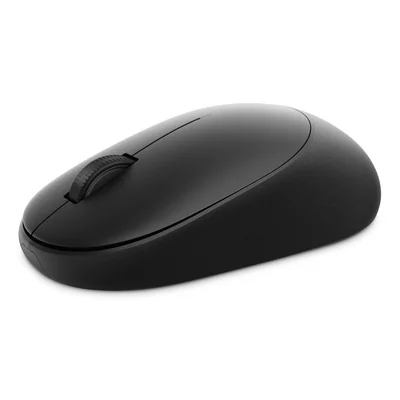
Ambidextrous 2.4 GHz wireless mouse, optical 6000 DPI, USB-A receiver, black
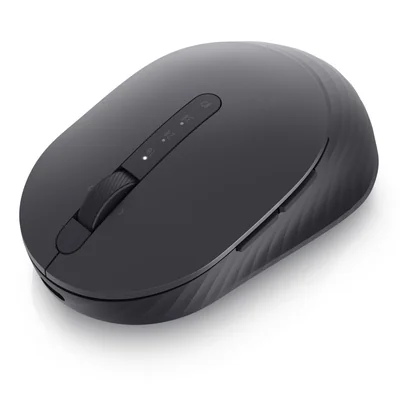
Rechargeable wireless mouse, 2.4 GHz and Bluetooth 5.0, 4000 DPI, black
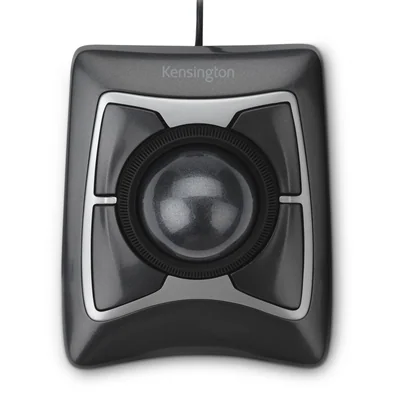
Wired USB trackball, 55 mm ball, Scroll Ring, wrist rest, black
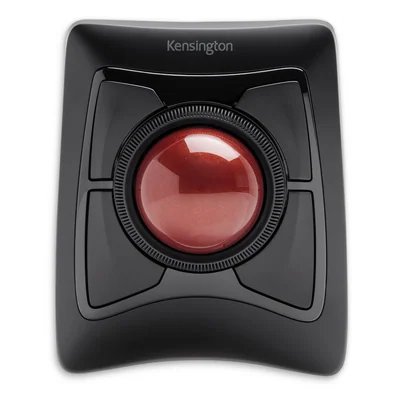
Bluetooth and 2.4 GHz wireless trackball, ambidextrous, with wrist rest, black


Wireless, ergonomic and gaming mice, plus trackballs
Picking a computer mouse starts with finding a shape and a connection that suit both the workstation and the hand using it. This range covers wired and wireless mice for the office, compact and folding travel mice, vertical ergonomic mice, trackballs and gaming mice. Ranges include ThinkPad, Lenovo Professional and Lenovo Go alongside Dell Pro, Dell Pro Plus and Dell Pro Premium, as well as Logitech MX and Logitech G.
In an open-plan office, a silent-click mouse from ThinkPad, Lenovo or Trust, for example, keeps the noise down for nearby colleagues. When travelling, a compact or folding model slips into a laptop bag without adding bulk. Anyone spending long days in spreadsheets or photo editing will find that a vertical mouse, a Kensington trackball or a Contour RollerMouse placed in front of the keyboard eases strain on the wrist and shoulder. For gaming, Glorious mice focus on low weight, Logitech G PRO and Razer Naga on programmable buttons.
The connection is chosen first. A 2.4 GHz receiver in USB-A or USB-C works as soon as it is plugged in, Bluetooth frees up a port, and multi-mode mice combine both so you can switch between computers. Resolution, measured in DPI, comes next, with 1000 to 1600 DPI covering office work on one screen and 4000 DPI or more helping you move quickly across 2 large displays. Power also varies between batteries, a rechargeable cell and Qi wireless charging, depending on the model.
Before buying, check which ports the computer has free, as many recent laptops only offer USB-C and a USB-A receiver then needs an adapter. A Bluetooth-only mouse will not work on a desktop tower without a Bluetooth module, an oversight that often comes up in bulk orders. Shape matters just as much, since a mouse sculpted for the right hand is awkward for a left-handed user, whereas an ambidextrous mouse suits either hand. For gaming mice, replacement feet such as Glorious G-Skates keep the glide smooth over time.
When fitting out offices, sticking to a single range, such as Dell Pro or ThinkPad, makes replacements simpler and matches laptops from the same brand. A USB receiver also avoids pairing each mouse over Bluetooth during roll-out. In a secondary school or town hall, a wired USB mouse cannot go missing and needs no batteries or charging. IP68-rated Active Key models suit shared desks that are cleaned often. At home, a multi-mode mouse can serve both a laptop and a tablet.
Logitech, HP, Lenovo and Dell cover most office needs, from simple 3-button mice to the feature-rich MX range. Defender, Trust, T'nb, Cherry, Urban Factory, Esperanza, Gembird and ASUS round out the selection with everyday wired and wireless mice. For ergonomics, Contour and Kensington offer the RollerMouse, the SliderMouse and large-ball trackballs, while Razer, Glorious and Logitech G focus on gaming.
Frequently asked questions
Should I choose a Bluetooth mouse or one with a USB receiver?
A 2.4 GHz receiver works as soon as it is plugged in with no pairing, which is handy on a desktop or during a roll-out. Bluetooth frees up a port and suits laptops and tablets that have it built in. Multi-mode mice, such as Dell Pro Premium or Logitech MX, offer both and switch between devices.
What DPI resolution do I need for office work?
For office tasks on a single screen, a mouse between 1000 and 1600 DPI is plenty. With 2 screens or one large display, 4000 DPI or more moves the pointer from edge to edge with less hand movement. The very high figures on gaming mice mainly serve in-game precision.
Vertical mouse, trackball or RollerMouse, how do they differ in use?
A vertical mouse holds the hand on its side, as in a handshake, which reduces forearm twisting. A trackball stays still and is controlled by rolling the ball, useful on a narrow desk. The Contour RollerMouse sits in front of the keyboard and is operated with the fingertips, without lifting the arm.
Is a gaming mouse suitable for professional use?
A Logitech G or Razer mouse works without any issue for office tasks, and its programmable buttons double as shortcuts. Its RGB lighting and look may sit less comfortably in an open-plan office, though. For heavy office work, the Logitech MX range also offers configurable buttons in a shape made for long working days.
My laptop only has USB-C ports, which mouse should I get?
A Bluetooth mouse connects without taking up a port, the most direct choice when the laptop has Bluetooth built in. Some mice come with a USB-C receiver, notably from Lenovo, depending on the model. Otherwise, a USB-A receiver needs an adapter or a hub.
Rechargeable or battery-powered mouse, what difference does it make day to day?
A rechargeable mouse saves buying batteries and charges by cable, or by Qi wireless charging depending on the model. A battery-powered mouse is ready again straight after a battery swap and suits shared desks where nobody remembers to charge it. Across a fleet, rechargeable models mean fewer consumables to manage.
Which mouse should a left-handed user choose?
A symmetrical ambidextrous mouse works equally well in either hand, as with many ThinkPad, Dell Pro and Logitech G PRO models or some Kensington trackballs. Vertical mice and right-hand sculpted shapes such as the MX Master do not suit the left hand, unless a left-handed version exists for that model.