


Video conferencing accessories
Which accessory suits your room? Contact us for advice or a quote
Filter by
Brand
Price incl. VAT
Price incl. VAT
Product line
Product line
Product type
Product type
Connectivity technology
Connectivity technology
22 products
Sort by Available first
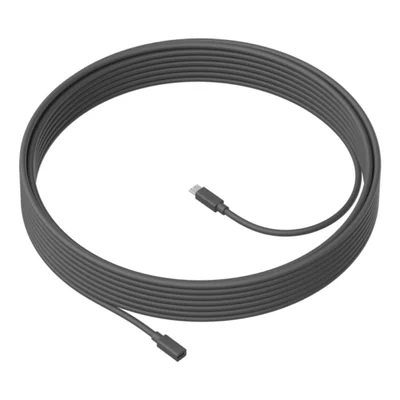
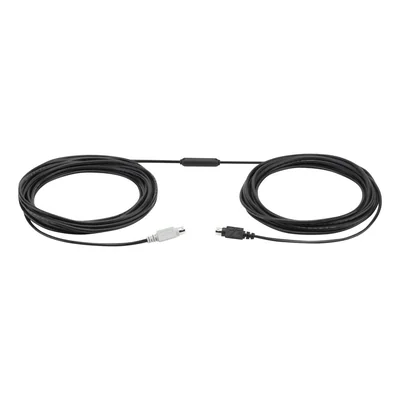
6-pin Mini-DIN male to male extension cable, black
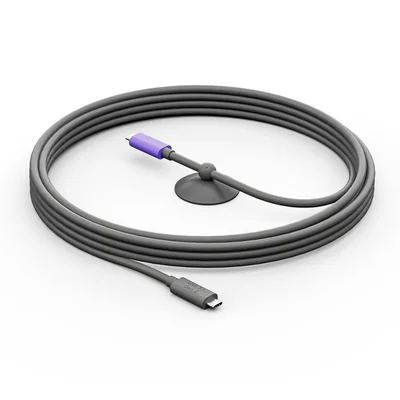
Active USB-C cable for MeetUp 2 and Rally Board 65, USB 3.2 Gen 2, dark grey
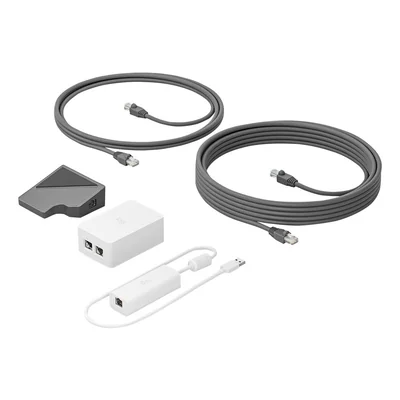
Cat5e connection kit for Logitech Tap, up to 40 m, 2 Cat5e cables, dark grey and white
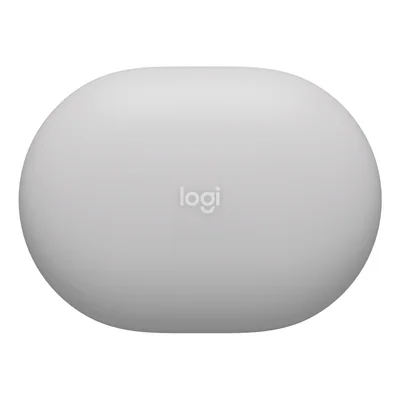
Wireless occupancy and environmental sensor, Bluetooth, LoRaWAN, white
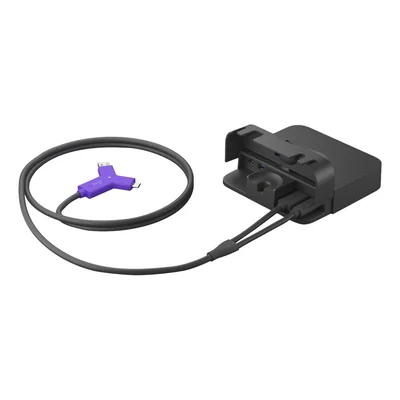
Laptop connection kit for video conferencing rooms, 4K, 60 W USB-C, black
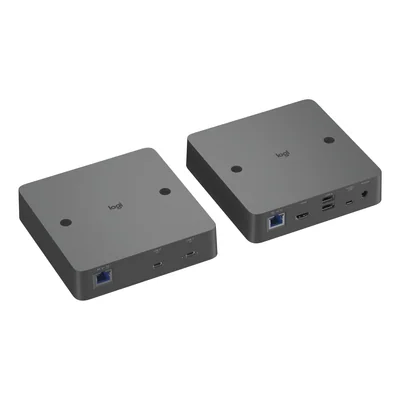
USB-C extender kit over network cable for video conferencing rooms, 4K 60 Hz, up to 100 m, dark grey
Restock announced
€797.60 incl. VAT
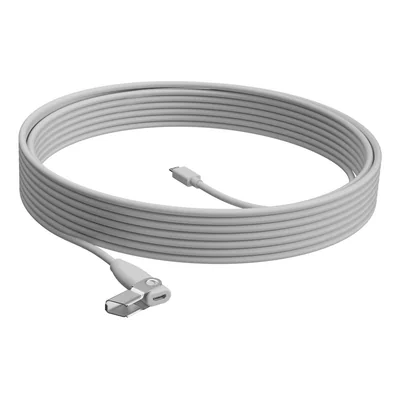
Microphone extension cable, 10 m, plenum, white
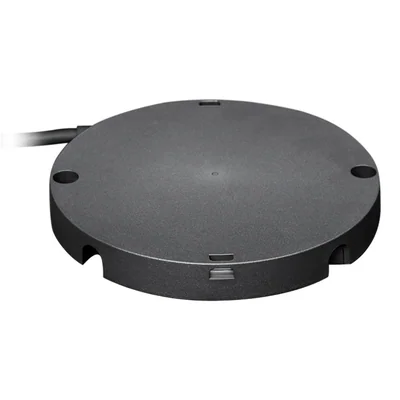
Hub for Rally mic pods, 3 connections, dark grey
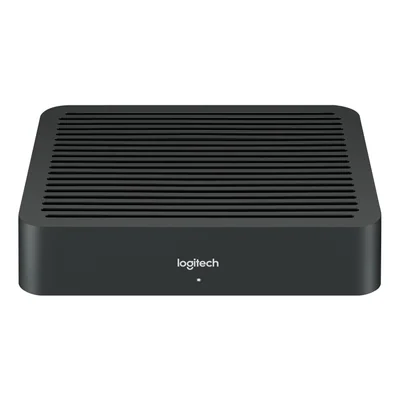
Table hub for Rally video conferencing system, 2 HDMI inputs, black
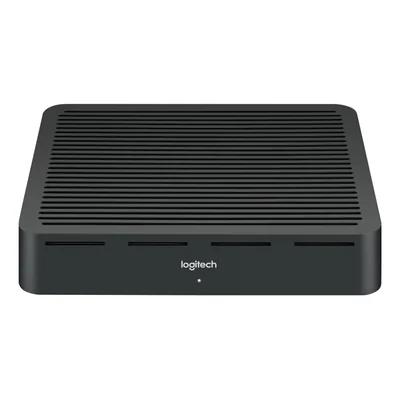
Display hub for Rally video conferencing system, 2 HDMI outputs, 4K, black
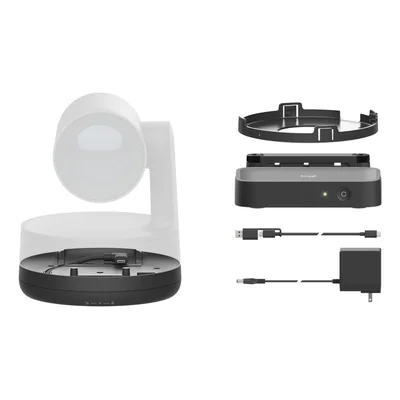
USB-C over network cable extension kit for Rally Camera, up to 100 m, graphite
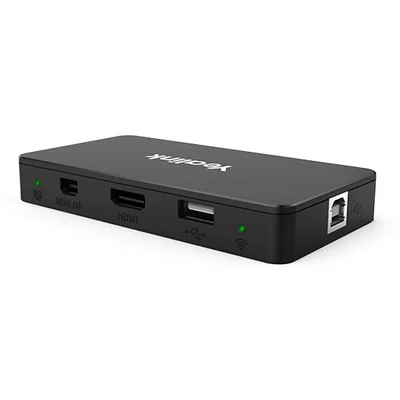
HDMI and Mini DisplayPort screen sharing box, dual-band Wi-Fi, 1080p, black
Wired screen sharing box for Yealink MVC, HDMI, USB-C, 1080p, black
USB-C BYOD hub for video conferencing rooms, 4K 60 fps sharing, 65 W charging, black
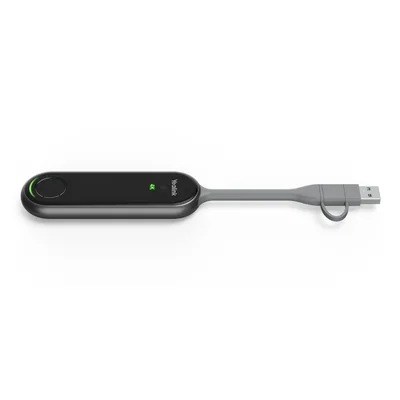
Wireless presentation dongle, Wi-Fi 6, 4K, USB-C and USB-A, black
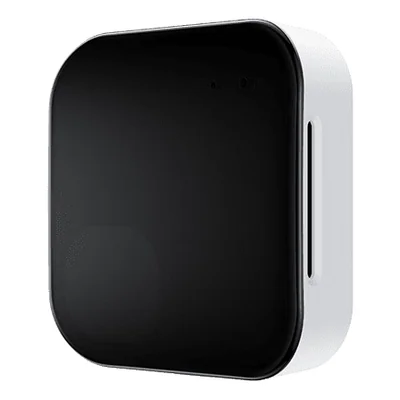
Meeting room sensor, people counting, PoE, Bluetooth 5.2, white
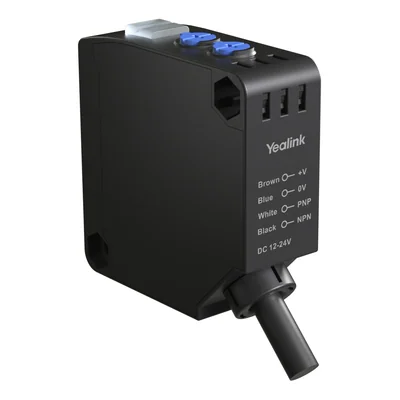
Infrared meeting room partition sensor, 1.5 m detection, 10 m cable, IP65, black
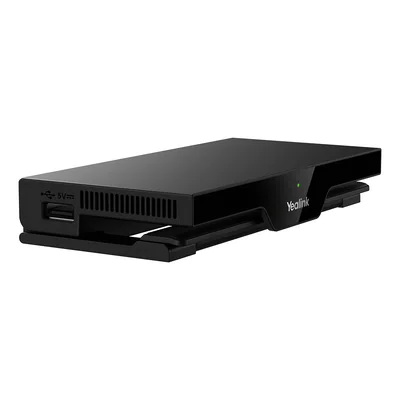
Wireless presentation system, 4K, Wi-Fi 6, HDMI, PoE, black
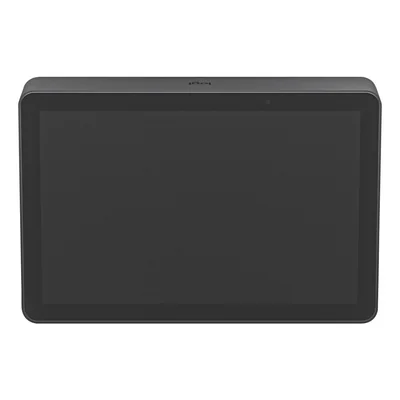
Video conferencing touch controller, PoE, Wi-Fi, dark grey
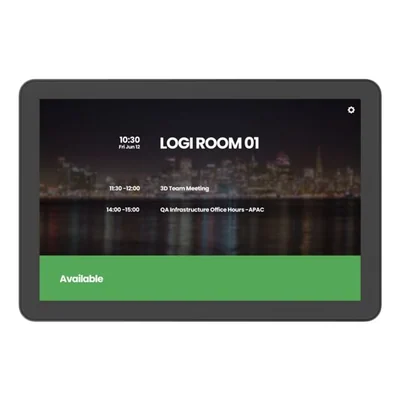
Touch room scheduling panel, PoE, Microsoft Teams and Zoom certified, dark grey
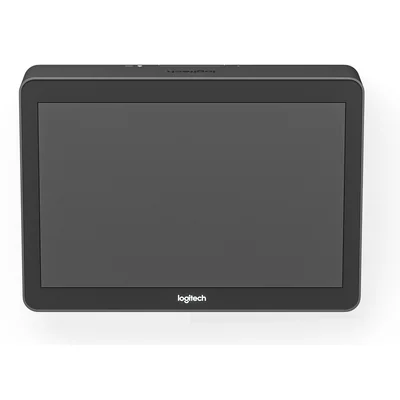
Video conferencing room touch controller, Cat5e kit, dark grey


Video conferencing accessories for meeting rooms
A meeting room set up for video calls needs far more than a camera and a screen. These video conferencing accessories bring together Logitech Tap touch controllers, the table, display and microphone hubs of the Rally range, extension cables for GROUP and MeetUp systems, and Yealink RoomCast and MShare screen sharing. Room sensors and extension kits complete the picture for tidy room cabling.
In a large room, a wall-mounted Rally camera often sits far from the room computer, and an extension kit carrying USB-C over network cable reaches up to 100 m. Around a table where everyone brings a laptop, a BYOD USB-C hub or a Swytch kit links the guest's machine to the room camera and screen while charging it. At the door, a 10.1" Tap Scheduler panel shows the booking, while Logitech Spot or Yealink RoomSensor Pro sensors report whether the room is actually in use.
The first criterion is the system already installed, since the Rally, Tap, GROUP and MeetUp filters separate accessories that cannot be swapped between ranges. Power comes next. A PoE device draws both power and data from a single network cable, provided the switch supplies that power. For screen sharing, resolution runs from 1080p on MShare boxes to 4K on RoomCast and the Yealink Wi-Fi 6 presentation dongle, and USB-C laptop charging reaches 60 W or 65 W depending on the model.
Check the connector before buying. A GROUP extension uses a 6-pin Mini-DIN plug, the MeetUp one is specific to its expansion microphone, and neither replaces the other. The standard Tap connects to the room computer through its Cat5e kit, whereas Tap IP works over the network via PoE or Wi-Fi. The Rally Mic Pod extension comes with plenum-rated sheathing, designed to run through a false ceiling or raised floor. For long USB runs, an active extension keeps the signal stable where a passive cable drops out.
A company fitting out several rooms benefits from standardising on one range to simplify management and replacement, and occupancy sensors help spot rooms that are booked but empty. Schools and local authorities with multi-purpose rooms tend to favour wireless screen sharing, which avoids leaving HDMI cables lying around.
Logitech and Yealink supply most of the room accessories. Each designs its own for its own systems, which is why the range already installed is the place to start.
Frequently asked questions
What is the difference between the Logitech Tap and Tap IP?
Both are 10.1" touch screens that control the video conferencing room. The Tap connects directly to the room computer through its Cat5e kit, which covers up to 40 m.
The Tap IP joins the network via PoE or Wi-Fi with no dedicated cable to the computer, which makes installation easier when the table is far from the system.
What does a room booking panel such as the Tap Scheduler do?
Mounted at the room entrance, the Tap Scheduler displays the room's schedule and shows whether it is free. It is certified for Microsoft Teams and Zoom and runs on PoE through a single network cable.
It comes in dark grey and white to match the wall or furniture.
Should I choose wireless screen sharing or a wired box?
The RoomCast system and the Yealink presentation dongle stream in 4K over Wi-Fi 6, with no cable on the table. MShare boxes use HDMI, USB-C or Mini DisplayPort at 1080p, and the wired version is designed for Yealink MVC systems.
Wired sharing is more predictable on a busy Wi-Fi network, while wireless is simpler for visitors.
How can I place a Rally camera far from the room computer?
The Rally Camera Extension Kit carries the USB-C link over network cable for up to 100 m. For audio, the 10 m Rally Mic Pod extension and the Rally Mic Pod Hub, which offers 3 connections, spread microphones across a large table.
Will a GROUP extension cable work with a MeetUp system?
No. GROUP extensions, in 10 m or 15 m, use a male-to-male 6-pin Mini-DIN connector specific to that system. MeetUp has its own 10 m extension for the expansion microphone, and some MeetUp and Rally models use a 5 m active USB-C cable. Always check the range stated on the product page.
What do meeting room sensors measure?
The Logitech Spot detects presence and tracks environmental data over Bluetooth and LoRaWAN. The Yealink RoomSensor Pro counts people and is powered by PoE, with Bluetooth 5.2.
Yealink also offers an infrared partition sensor with 1.5 m detection and an IP65 housing.
Why choose an active USB extension rather than a passive one?
On a passive cable, the signal weakens with length and a device may disconnect. An active extension includes amplification that keeps the link reliable over long distances.
Also check the standard, USB 2.0 or USB 3.0, according to the bandwidth the connected camera or hub requires.