


SSDs
Which SSD suits your machine? Contact us for advice or a quote
Filter by
Brand
Price incl. VAT
Price incl. VAT
Product line
Product line
SSD capacity
SSD capacity
SSD form factor
SSD form factor
Interface
Interface
Component for
Component for
91 products
Sort by Available first
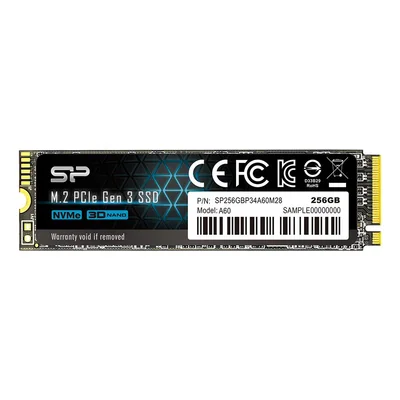
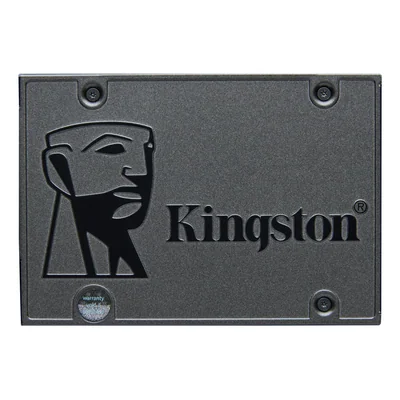
Internal 2.5" SSD, SATA III 6 Gbit/s, 7 mm
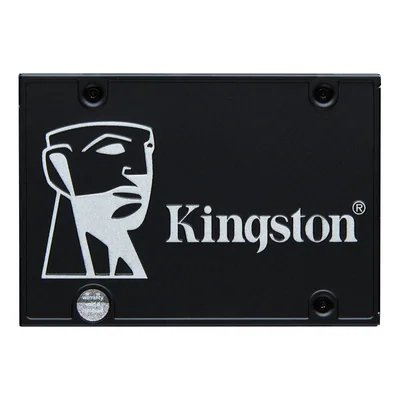
Internal 2.5" SATA III SSD, 3D TLC, AES 256-bit hardware encryption
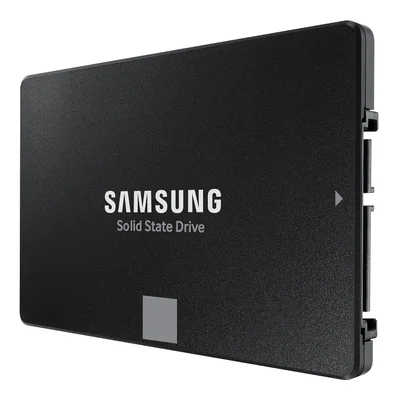
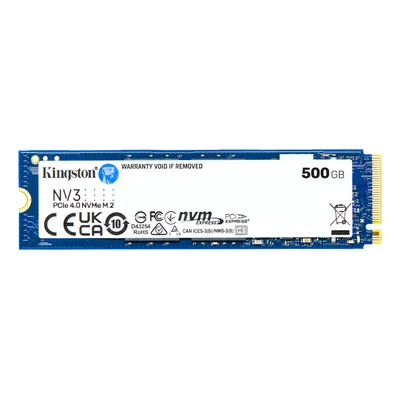
Internal NVMe PCIe 4.0 SSD, up to 5000 MB/s read
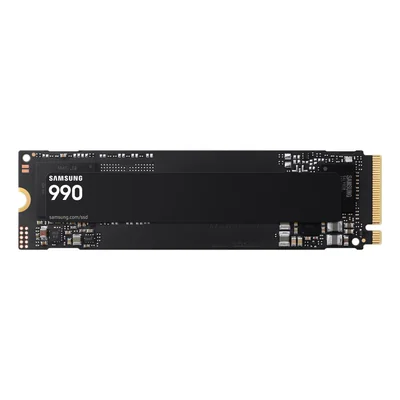
Internal M.2 2280 SSD, PCIe 4.0 x4 NVMe 2.0, up to 7,150 MB/s read
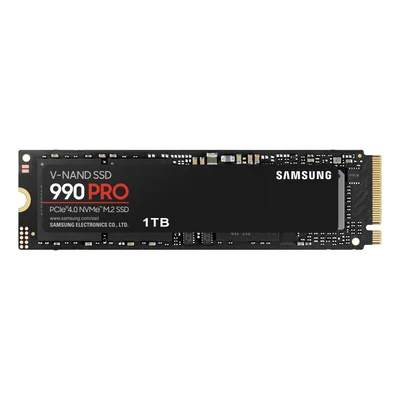
M.2 2280 PCIe 4.0 NVMe internal SSD, without heatsink
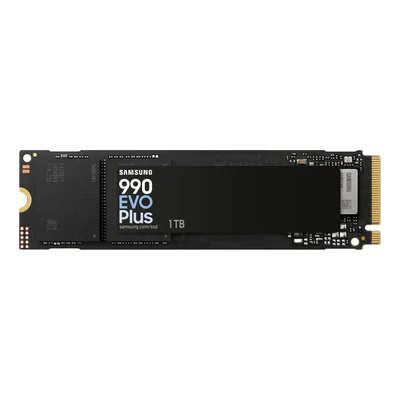
M.2 2280 NVMe internal SSD, PCIe 4.0 x4 or PCIe 5.0 x2, V-NAND TLC
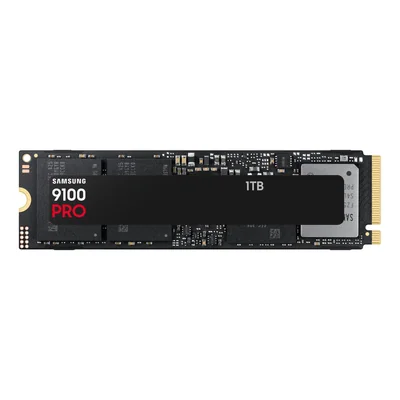
M.2 2280 NVMe PCIe 5.0 x4 SSD, without heatsink
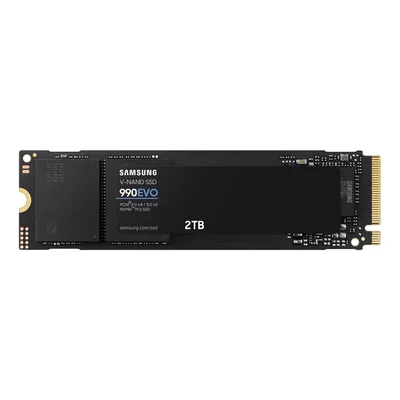
M.2 2280 NVMe SSD, PCIe 4.0 x4 or PCIe 5.0 x2, V-NAND TLC
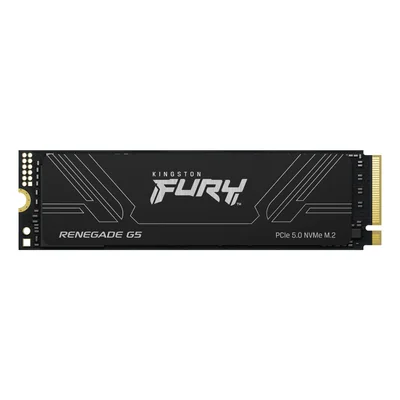
Internal M.2 2280 NVMe PCIe 5.0 SSD, 14,200 MB/s read
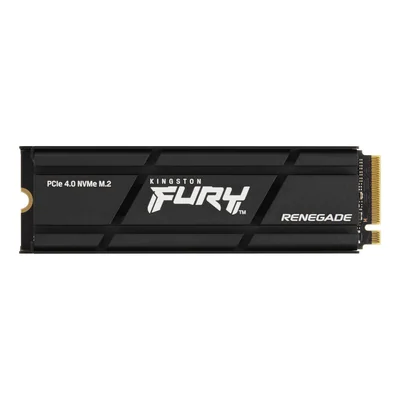
M.2 2280 NVMe PCIe 4.0 SSD 2 TB with heatsink, PS5 compatible
Unavailable
€594.70 incl. VAT
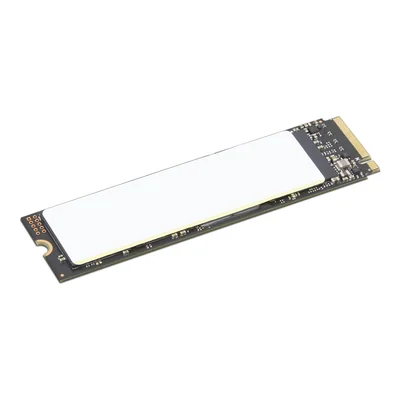
Internal SSD 512 GB PCIe 4.0 NVMe, TCG Opal 2.0 encryption
M.2 2280 SATA SSD 480 GB, Read Intensive, self-encrypting
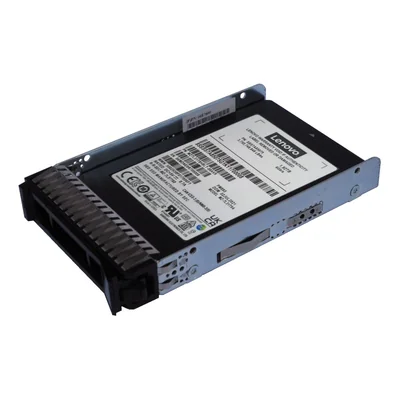
480 GB SATA Read Intensive SSD, hot-swap, tray included
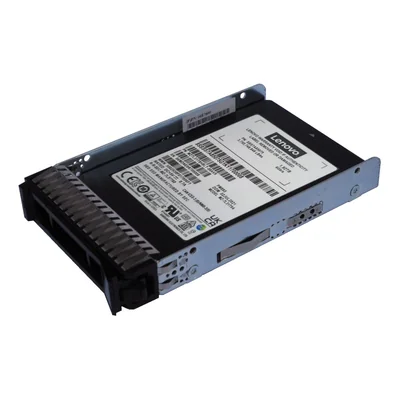
960 GB SATA Mixed Use SSD, hot-swap, tray included
2.5" 1.92 TB hot-swap SAS SSD for 2U24 enclosures, 1 DWPD
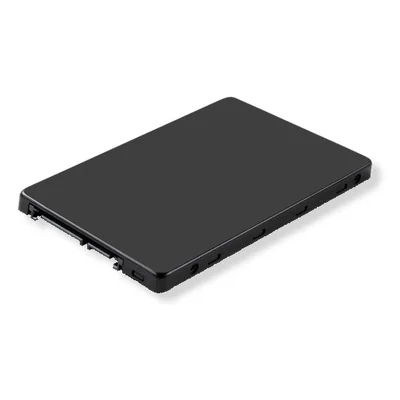
SATA 6 Gbit/s Multi Vendor Entry SSD 3.84 TB, hot-swap, for ThinkSystem servers
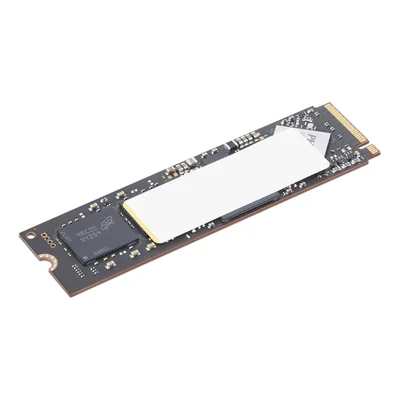
Internal M.2 2280 SSD 512 GB, PCIe 4.0 NVMe, TCG Opal 2.0 encryption
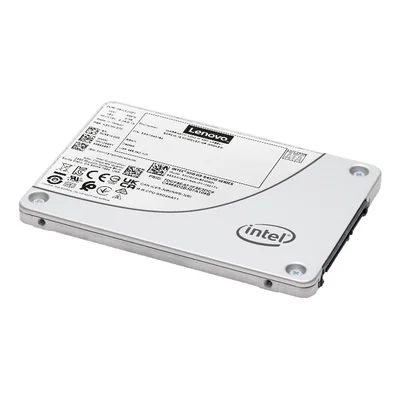
SATA 6 Gbit/s server SSD, 960 GB, read intensive, 3D TLC NAND
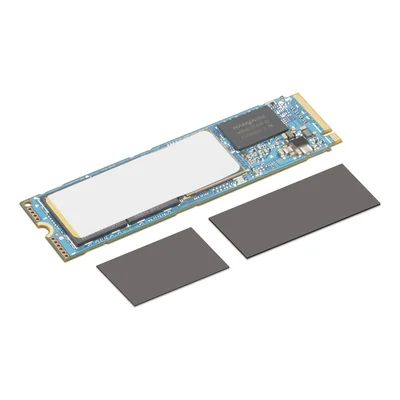
M.2 2280 PCIe 4.0 NVMe SSD, 4 TB, Opal hardware encryption
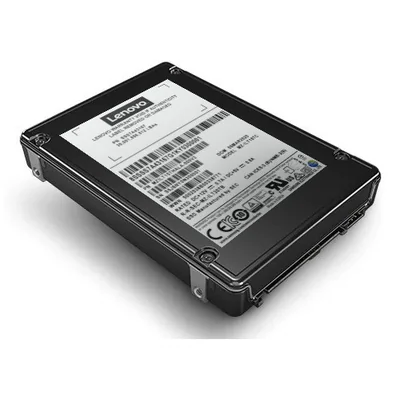
Mixed Use SAS 24 Gbit/s server SSD 1.6 TB, self-encrypting, hot-swap
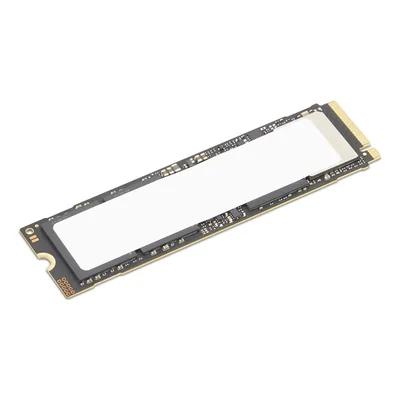
4 TB internal SSD M.2 2280 PCIe 5.0 x4 NVMe, TCG Opal 2.0 encryption
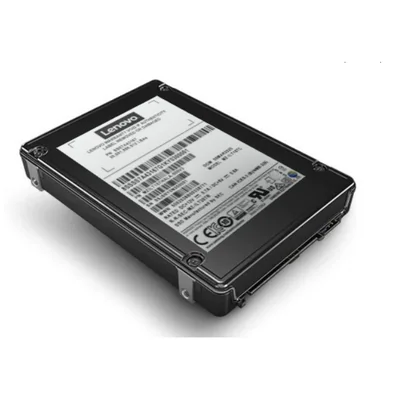
24 Gbit/s SAS SSD, 1.92 TB, SED encryption, hot-swap
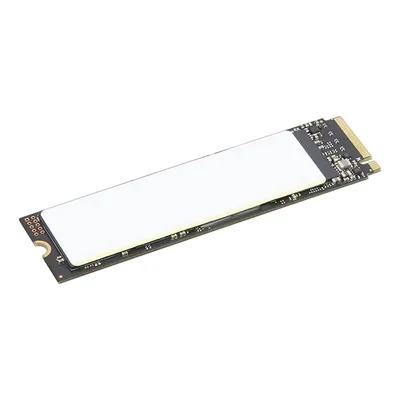
Internal SSD 512 GB, PCIe 4.0 NVMe, TCG Opal 2.0 encryption
Restock announced
€321.50 incl. VAT
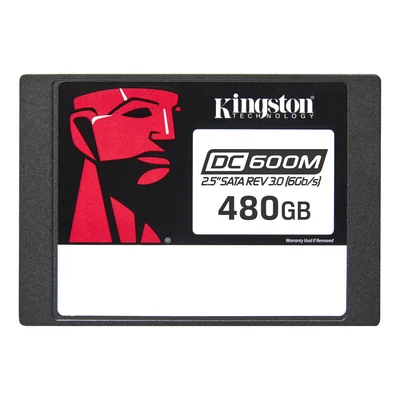
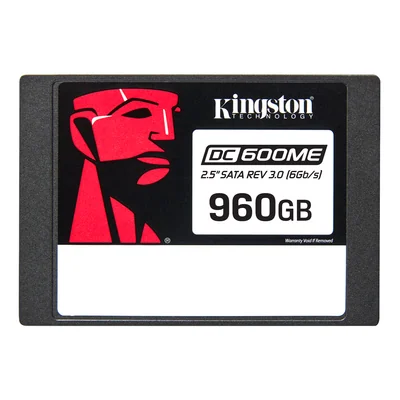
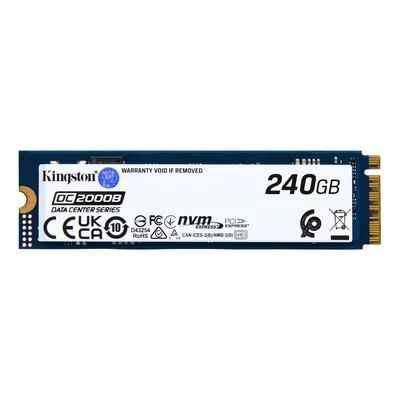
Enterprise M.2 2280 NVMe PCIe 4.0 x4 SSD for servers, 3D TLC, power loss protection, no heatsink
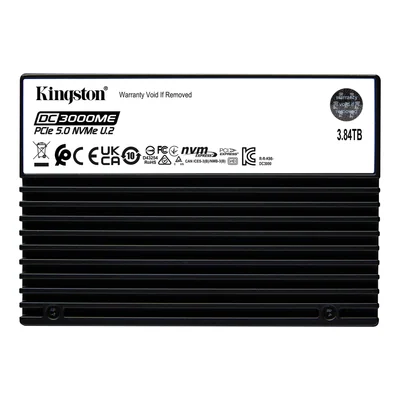
Enterprise server SSD, U.2 2.5", PCIe 5.0 NVMe, TCG Opal 2.0 encryption
U.2 NVMe PCIe 5.0 x4 server SSD, 960 GB, 15 mm
NVMe PCIe 5.0 server SSD, 15.36 TB
NVMe PCIe 5.0 server SSD, 1.92 TB
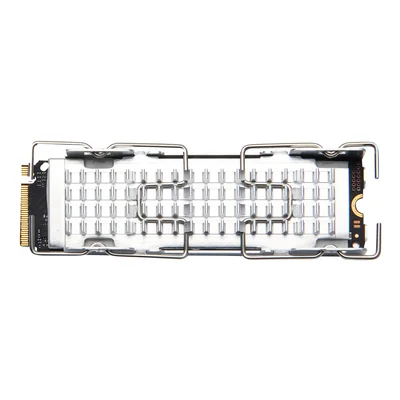
M.2 SSD, 1 TB, PCIe 4.0 x4, TCG Opal 2.0 hardware encryption, TLC, for HP Z4 Rack G5
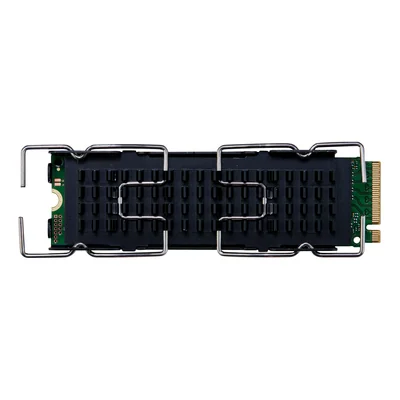
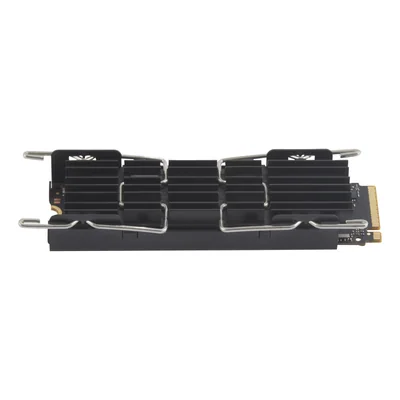
M.2 2280 NVMe SSD kit with heatsink, hardware encryption
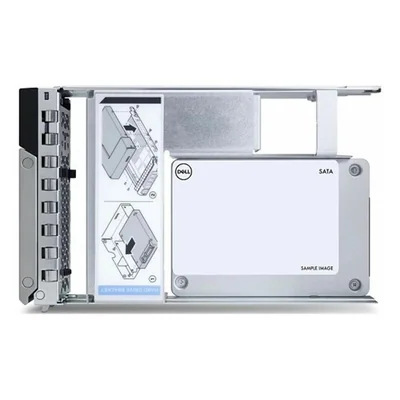
480 GB SATA 6 Gbit/s Read Intensive SSD for PowerEdge servers, 2.5" in 3.5" hybrid carrier
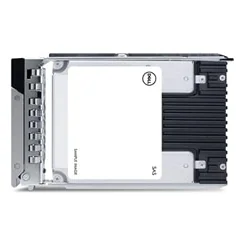
SATA server SSD, 480 GB, Mixed Use, 6 Gbit/s, hot-pluggable
SATA server SSD, 480 GB, Mixed Use, 6 Gbit/s, hot-pluggable
SATA server SSD, 960 GB, Mixed Use, 6 Gbit/s, hot-pluggable
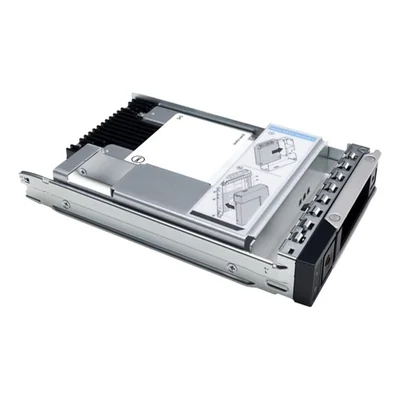
480 GB SATA 6 Gbit/s Read Intensive SSD for PowerEdge servers, 2.5"
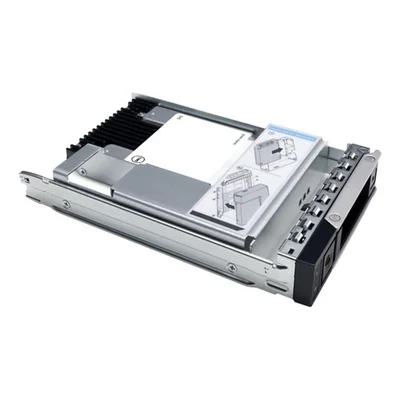
1.92 TB SAS 24 Gbit/s 2.5" SSD with 3.5" hybrid carrier, read intensive, 512e, ISE
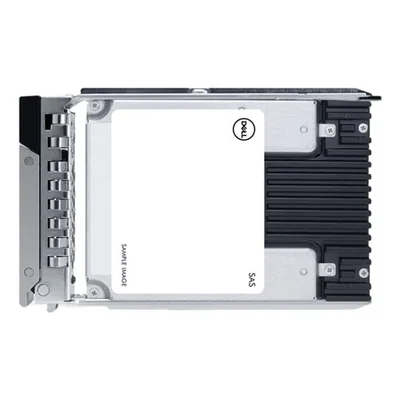
1.92 TB SAS 24 Gbit/s 2.5" SSD, read intensive, 512e, ISE
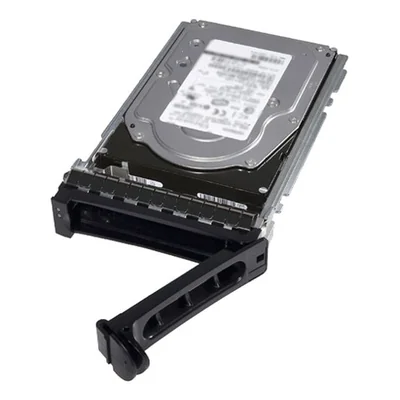
480 GB SATA 6 Gbit/s Read Intensive SSD for PowerEdge servers, 2.5"
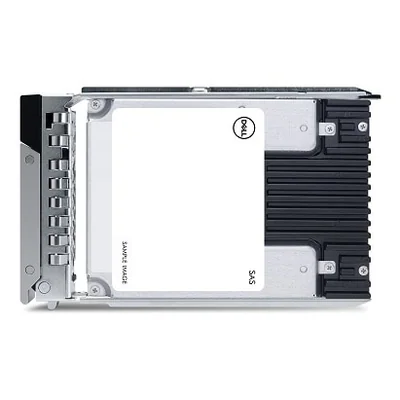
960 GB SATA 6 Gbit/s Read Intensive SSD for PowerEdge servers, 2.5", hot-pluggable
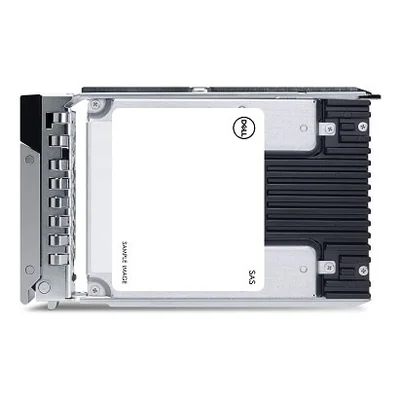
480 GB SATA 6 Gbit/s Read Intensive SSD for PowerEdge servers, 2.5"
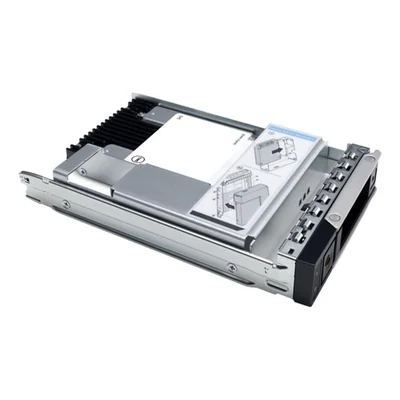
SATA server SSD, 960 GB, Mixed Use, 6 Gbit/s, hot-pluggable
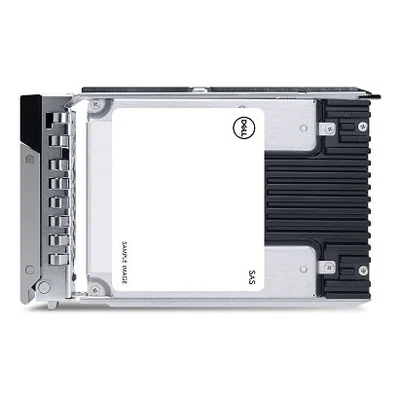
1.92 TB SATA 6 Gbit/s Read Intensive SSD for PowerEdge servers, 2.5"
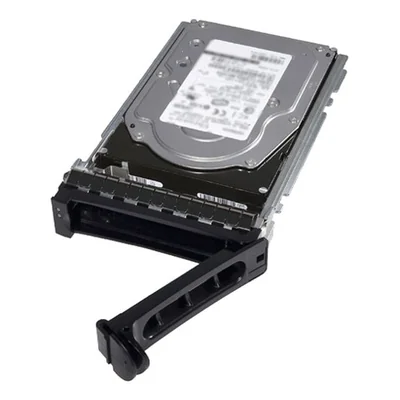
480 GB SATA 6 Gbit/s Read Intensive SSD for PowerEdge servers, 2.5" in 3.5" hybrid carrier
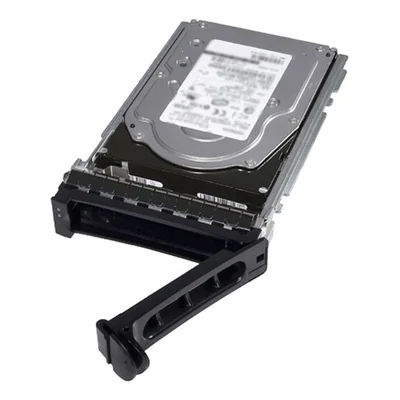
960 GB SATA 6 Gbit/s Read Intensive SSD for PowerEdge servers, 2.5" in 3.5" hybrid carrier
1.92 TB SATA 6 Gbit/s Read Intensive SSD for PowerEdge servers, 2.5"

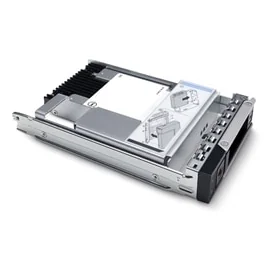
1.92 TB SATA 6 Gbit/s Read Intensive SSD for PowerEdge servers, 2.5" in 3.5" hybrid carrier
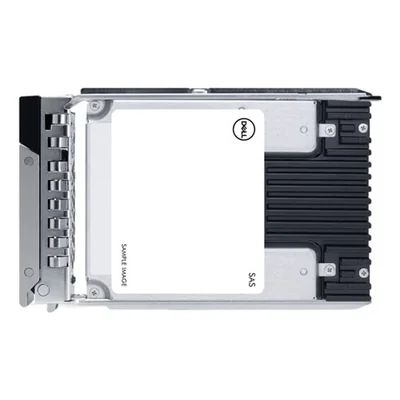
960 GB SATA 6 Gbit/s Read Intensive SSD for PowerEdge servers, 2.5"
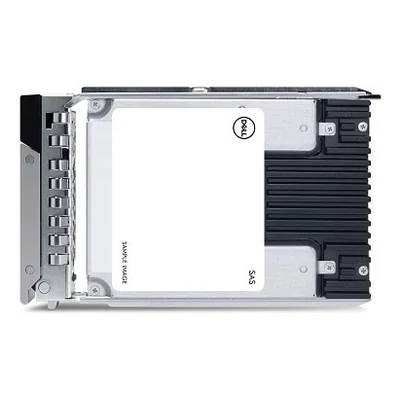
960 GB SATA 6 Gbit/s Read Intensive SSD for PowerEdge servers, 2.5", hot-pluggable
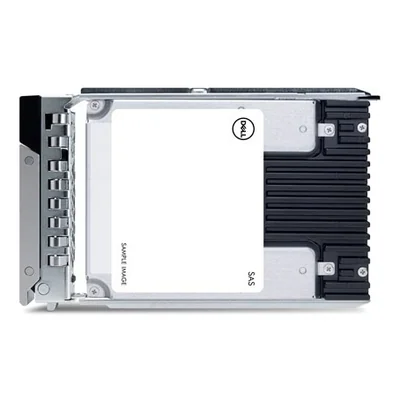
SATA server SSD, 1.92 TB, Mixed Use, 6 Gbit/s, hot-pluggable
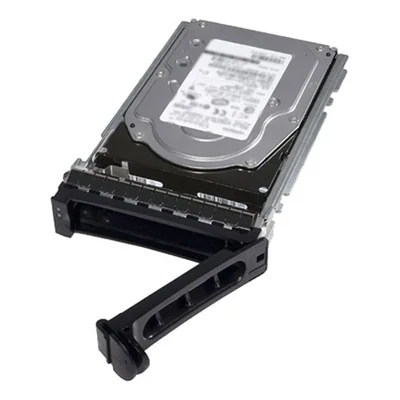
960 GB SATA 6 Gbit/s Read Intensive SSD for PowerEdge servers, 2.5" in 3.5" hybrid carrier
Restock announced
€3,090.30 incl. VAT
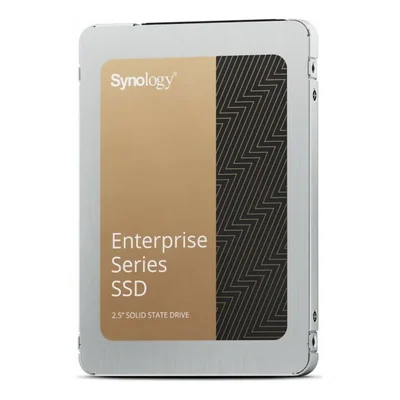
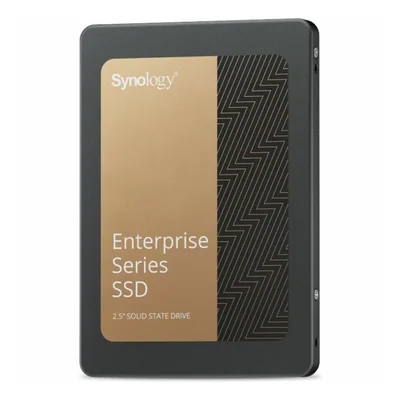
SATA 6 Gbit/s SSD for NAS, 3.84 TB, 7000 TB TBW, Enterprise Series
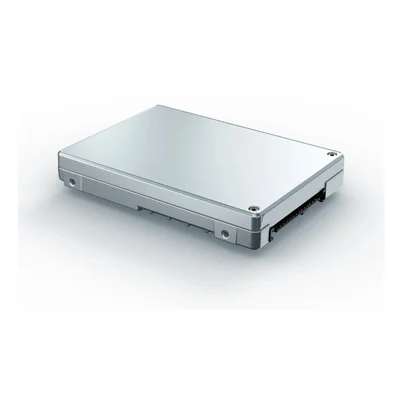
U.2 NVMe server SSD, 7.68 TB, PCIe 4.0, 15 mm, TLC 3D NAND
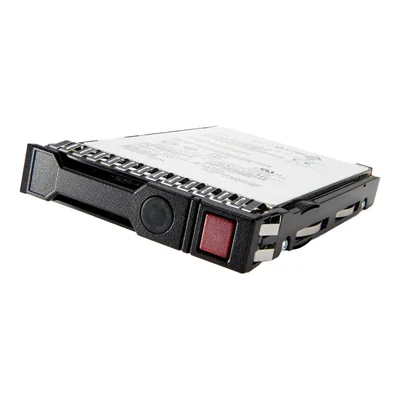
Read Intensive SATA 6 Gbit/s server SSD, 1.92 TB, Smart Carrier, hot-swappable


NVMe, SATA and SAS SSDs for PCs, NAS and servers
An SSD stores data on flash memory with no moving parts, so a computer boots and opens files far faster than with a hard drive. This range covers internal M.2 2280 NVMe SSDs for desktops and laptops, 2.5" SATA SSDs to upgrade a PC or fill a NAS, and SAS or U.2 NVMe server SSDs. Samsung, Kingston with its FURY Renegade range, Western Digital with WD Black, WD Blue and WD Red, SanDisk, Crucial and Kioxia with Exceria sit alongside Lenovo ThinkSystem drives, Dell SSDs for PowerEdge and HPE drives.
An older laptop still running a hard drive feels much quicker once fitted with a 2.5" SATA SSD, which drops straight into the same bay. A video editing or CAD workstation is better served by an M.2 NVMe SSD in PCIe 4.0 or PCIe 5.0, whose throughput cuts the time spent loading large projects. In a virtualisation server or a Synology NAS, endurance and hot swapping without shutting the machine down matter most.
The interface sets the speed, with SATA 6 Gbit/s well behind NVMe, while SAS 24 Gbit/s is found in server bays. Endurance matters just as much in business use, as Read Intensive drives suit data that is mostly read and Mixed Use drives handle frequent writes. The DWPD rating reflects this, from 1 DWPD to 3 DWPD depending on the drive. Capacities run from 256 GB to 30.7 TB, and many drives encrypt their own data with AES 256-bit or the TCG Opal 2.0 standard.
Not every M.2 slot accepts NVMe, as some laptops only take M.2 SATA SSDs, so the machine's specifications are worth checking first. A PCIe 5.0 SSD works in a PCIe 4.0 slot but only at that slot's speed, and a model with a heatsink may not fit a thin laptop. For servers, the drive must come in the manufacturer's tray, such as HPE's Smart Carrier or Dell's 3.5" hybrid carrier, and a 15 mm U.2 drive does not fit every bay.
A home user mainly picks the capacity and the interface their machine supports. On laptops that leave the office, a TCG Opal 2.0 self-encrypting SSD or BitLocker encryption in Windows 11 Pro protects the data on a lost machine. Fitting identical drives across machines keeps maintenance simple. Field teams will also find removable SSDs for Getac rugged laptops, while HP offers a self-encrypting SSD kit for its LaserJet printers.
For data centres, Micron, Solidigm, Kioxia and Samsung supply high-capacity U.2 NVMe and SAS SSDs, often self-encrypting, whereas Lenovo, Dell, HPE and Fujitsu drives are validated for their own servers. Transcend rounds out the range with mSATA and 2.5" SSDs for older or industrial machines.
To help you choose, read our guide Upgrading memory and SSDs.
Frequently asked questions
Should I choose an NVMe SSD or a SATA SSD for my PC?
An NVMe SSD in M.2 format delivers far higher speeds than SATA, which helps with large files and video editing. The motherboard does need an M.2 slot that supports NVMe.
A 2.5" SATA SSD remains the simple way to replace the hard drive in an older PC, and the gain in responsiveness is already substantial.
Does a PCIe 5.0 SSD work on a PCIe 4.0 motherboard?
Yes, the interface is backward compatible. A PCIe 5.0 SSD runs in a PCIe 4.0 slot, but its speed is then limited to that of the slot. If the motherboard only supports PCIe 4.0, an SSD of that generation gives the same real-world performance.
What do Read Intensive and Mixed Use mean on a server SSD?
These labels describe the drive's endurance. A Read Intensive SSD suits data that is mostly read, such as a file or archive server, while a Mixed Use SSD withstands more writes, for databases or virtualisation. The DWPD rating shows how many times the full capacity can be rewritten each day, 1 DWPD or 3 DWPD depending on the model.
Will an HPE, Dell or Lenovo server SSD fit any server?
No, these drives come in the manufacturer's own tray, such as HPE's Smart Carrier or Dell's 3.5" hybrid carrier, and are validated for that brand's servers, ThinkSystem for Lenovo or PowerEdge for Dell. Check compatibility with the server model and the bay type, whether SAS, SATA or NVMe.
What is a self-encrypting SSD with TCG Opal 2.0 support used for?
A self-encrypting SSD encrypts its data at all times, often with AES 256-bit, without slowing the computer down. With TCG Opal 2.0 support it is managed through encryption management software, which protects the data on a lost or stolen laptop and makes disposing of a fleet's drives easier.
Which SSD should I choose for a NAS?
A NAS runs around the clock and writes to its drives constantly, so SSDs made for that job make sense, such as Synology's Enterprise series 2.5" SATA SSDs or Western Digital's WD Red range. Check the NAS compatibility list and the endurance rating in TBW, which varies by model.