


Label printers
Which printer suits your labels? Contact us for advice or a quote
Filter by
Brand
Price incl. VAT
Price incl. VAT
Product line
Product line
Maximum printing width
Maximum printing width
Print technology
Print technology
Colour printing
Colour printing
Bluetooth
Bluetooth
Ethernet LAN
Ethernet LAN
5 products
Sort by Available first
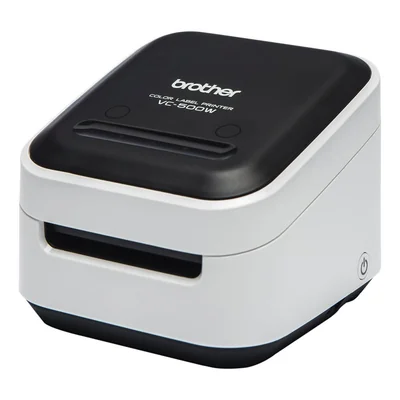
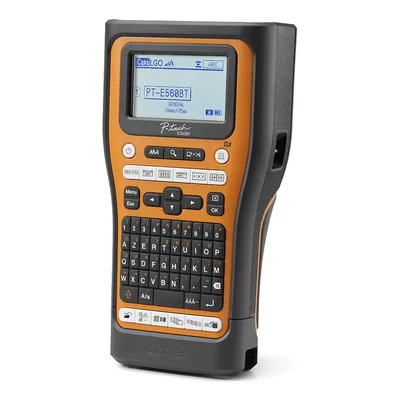
Bluetooth and USB-C label printer, French AZERTY keyboard, TZe and HSE tapes up to 24 mm
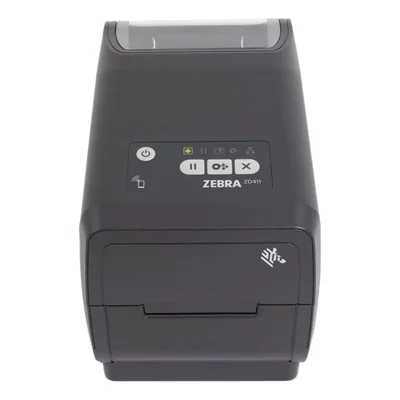
Direct thermal label printer, 203 dpi, 152 mm/s, USB, Bluetooth LE, NFC
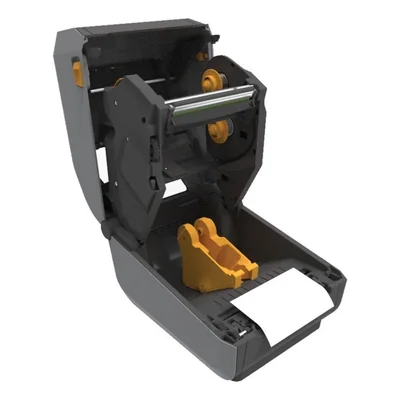
Thermal transfer label printer, 300 dpi, 152 mm/s, Ethernet, USB, serial, Bluetooth LE, grey
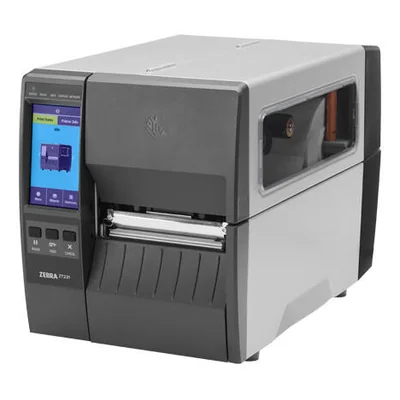
UHF RFID label printer, 300 dpi, direct thermal and thermal transfer, Ethernet, Bluetooth, grey
Unavailable
€1,620.10 incl. VAT


Label printers for retail, warehouse and office use
A label printer prints onto rolls of adhesive labels rather than sheets, producing price tags, barcodes, parcel labels or badges on demand. At the point of sale it works alongside the till and the barcode scanner, and it differs from a receipt printer, which outputs receipts on continuous paper.
In a shop, it is used to relabel a whole aisle after a price change or to mark products prepared on site. For an online business, it prints the parcel labels generated by the carrier, with no half-used office sheets or trimming. In an office or workshop, it identifies files, cables, shelving or inventoried equipment.
Printing technology comes first. Direct thermal printing darkens heat-sensitive paper without a ribbon and suits short-lived labels such as parcel labels. Thermal transfer lays ink from a ribbon and holds up far better to light, rubbing and time. Print width, resolution, which governs how well small barcodes scan, and print speed then separate models according to daily volume.
Before buying, check the connectivity, USB for a single workstation, Ethernet or wireless networking for a shared printer. Compatibility with your till software or online selling platform matters just as much. Label rolls must match the model in width, core diameter and paper type. On stock kept for a long time, a direct thermal label gradually fades.
An independent retailer or a household sending a few parcels will manage with a compact desktop model connected to their computer. A business with several tills or a warehouse is better served by networked machines and a single roll format across the fleet, which keeps reordering simple. In schools and municipal technical services, it mostly serves inventory and archiving, where label durability matters more than speed.
Frequently asked questions
Direct thermal or thermal transfer, which technology should I choose?
Direct thermal printing needs no ribbon and uses heat-sensitive paper. It is enough for parcel labels or temporary price tags that do not need to last.
Thermal transfer uses an ink ribbon and produces labels that resist light, rubbing and ageing, which suits inventory, archiving or equipment marking.
What is the difference between a label printer and a receipt printer?
A receipt printer outputs receipts on continuous paper with no adhesive backing. A label printer works with rolls of pre-cut labels and detects the gap between each one to position the print correctly, which makes it the right tool for prices, barcodes and parcels.
Can I print parcel labels straight from an online selling platform?
Yes, most carriers and selling platforms generate labels in a format suited to label printers. Before buying, check that a driver exists for your operating system and that the print width matches the label format offered by your carrier, as maximum width differs from one printer to another.
Which connection do I need to share a printer between several workstations?
A USB connection is fine for a single workstation. To share the printer between several tills or desks, an Ethernet or wireless network interface avoids tying it to a computer that has to stay switched on. Available connectivity depends on the model.
Why does resolution matter when printing barcodes?
A barcode is read thanks to the sharpness of its bars. On a small label, low resolution produces fuzzy bars that a scanner struggles to decode or misses entirely. For small labels or fine text, a higher resolution gives more reliable scanning, depending on the model.
Are label rolls interchangeable between printers?
Not always. Maximum width, core diameter and the outer roll diameter accepted all vary by model, as does the paper type, direct thermal or ribbon-based. Some models only accept their manufacturer's own media, something to check if you want a single roll across a whole fleet.