


Office monitors
Which monitor suits your workday? Contact us for advice or a quote
Filter by
Brand
Price incl. VAT
Price incl. VAT
Product line
Product line
Display diagonal
Display diagonal
Display resolution
Display resolution
Maximum refresh rate
Maximum refresh rate
Panel type
Panel type
Screen shape
Screen shape
Environmental labels
Environmental labels
135 products
Sort by Available first
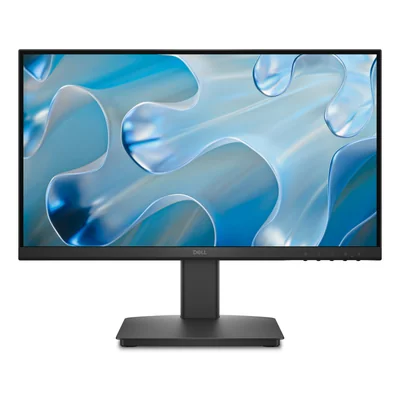
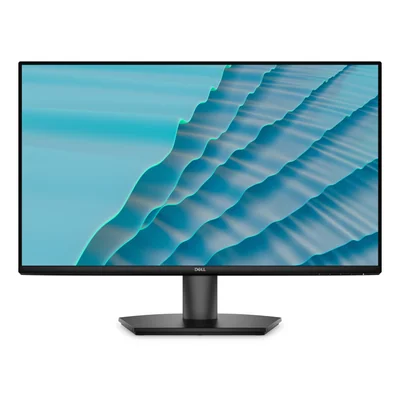
Full HD IPS monitor, 144 Hz, 1 ms MPRT, FreeSync, 2 HDMI, black
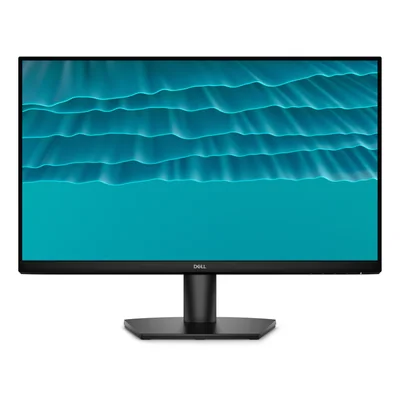
Full HD IPS monitor, 144 Hz, AMD FreeSync, black
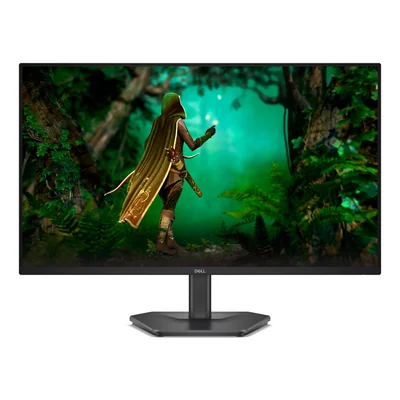
Full HD IPS monitor, 200 Hz, 1 ms, FreeSync Premium, HDMI and DisplayPort, black
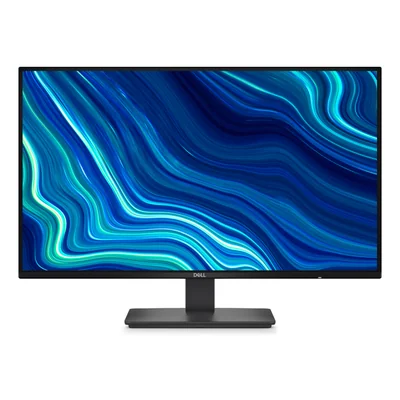
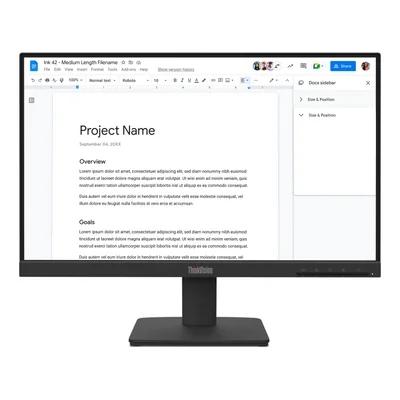
Full HD IPS monitor, 100 Hz, HDMI and VGA, black
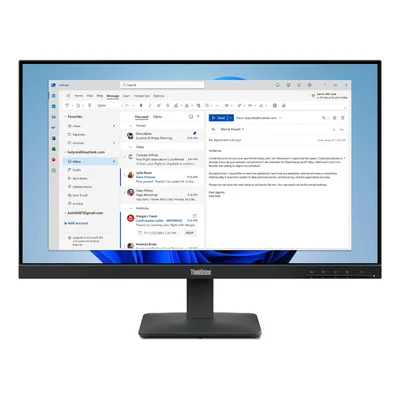
Full HD IPS monitor, 100 Hz, HDMI and VGA inputs, black
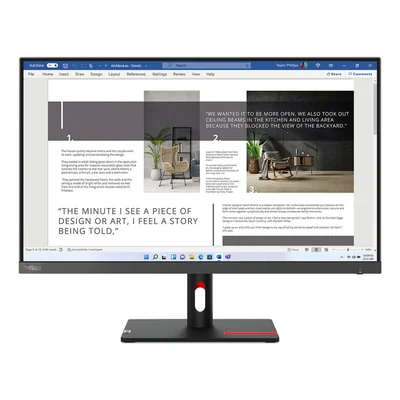
IPS Full HD monitor, 100 Hz, 2 HDMI, VGA, grey
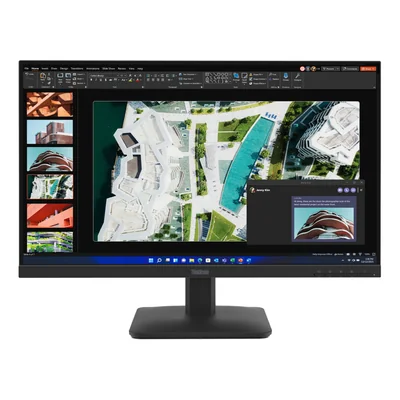
Full HD IPS monitor, 100 Hz, HDMI, VGA, black
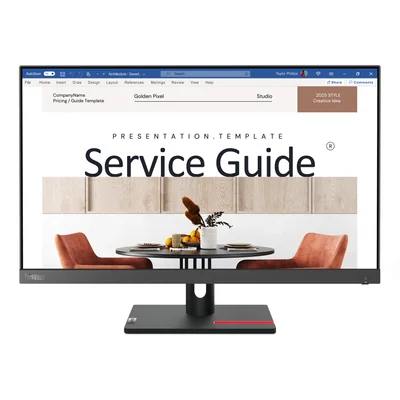
Full HD IPS monitor 100 Hz, HDMI, VGA, black
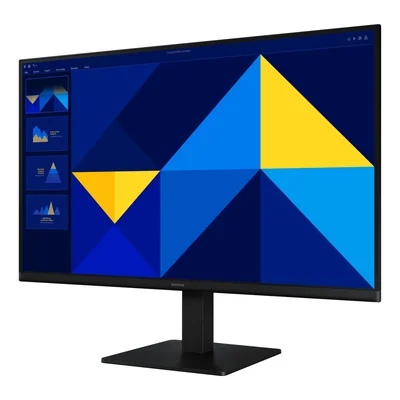
Full HD IPS 100 Hz monitor, HDMI, VGA, black
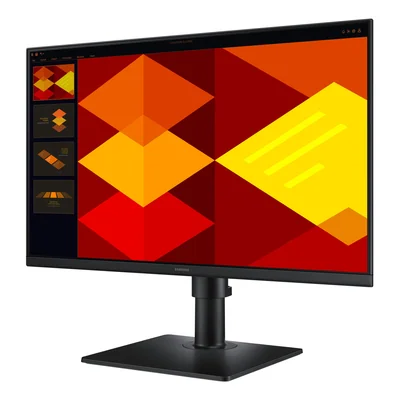
Full HD IPS monitor, 100 Hz, height-adjustable pivot stand, USB hub, black
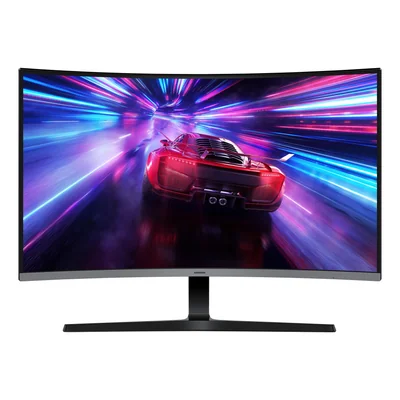
Curved monitor, 1500R, Full HD, VA, 100 Hz, HDMI, VGA, black
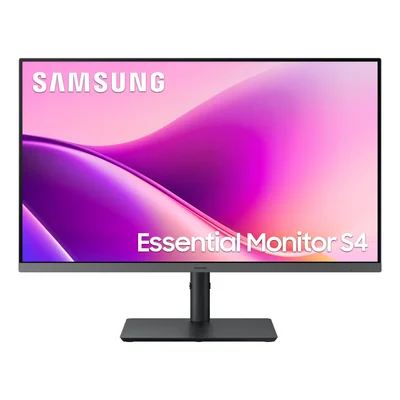
IPS Full HD 100 Hz monitor, USB-C 90 W, Ethernet, height-adjustable stand, black
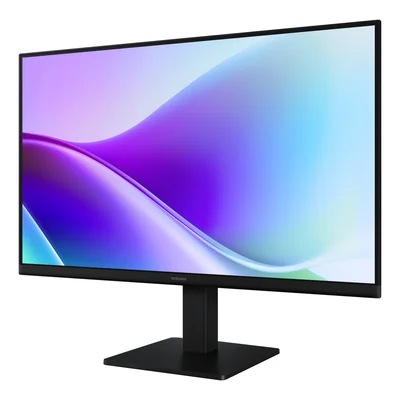
Full HD IPS 120 Hz computer monitor, 2 HDMI, tilt, VESA 100 x 100, black
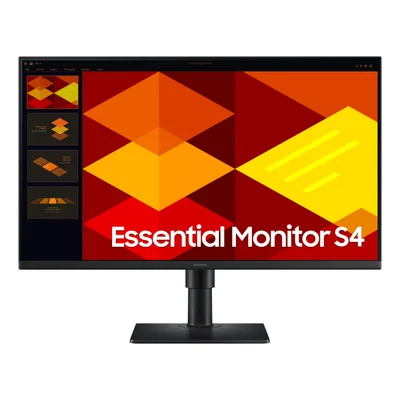
Full HD IPS 100 Hz monitor, height-adjustable pivoting stand, black
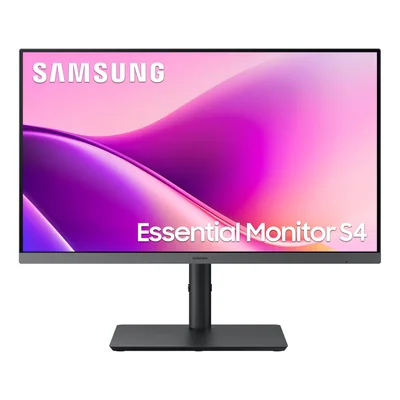
Full HD IPS monitor, 100 Hz, USB-C 90 W, USB hub, Ethernet, adjustable stand, black
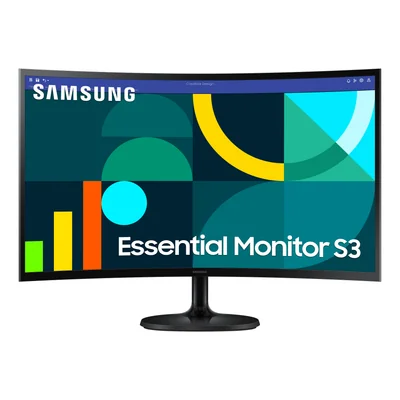
1800R curved monitor, Full HD VA, 100 Hz, 4 ms, black
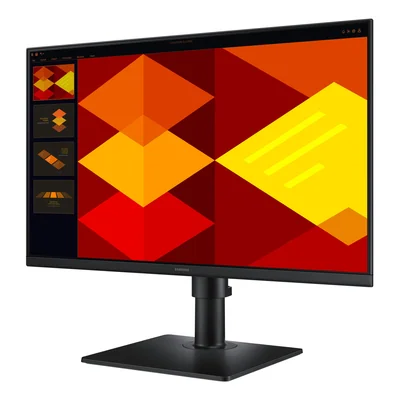
IPS Full HD 100 Hz monitor, height-adjustable stand, USB hub, speakers, black
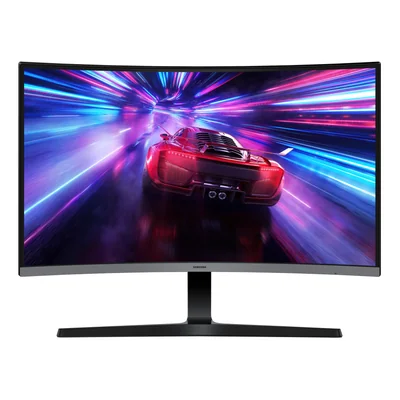
Curved monitor, Full HD, VA panel, 100 Hz, 4 ms, HDMI, VGA, black
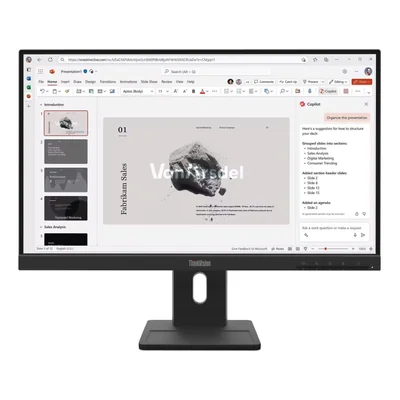
IPS Full HD 100 Hz monitor, HDMI, DisplayPort, VGA, height-adjustable stand, black
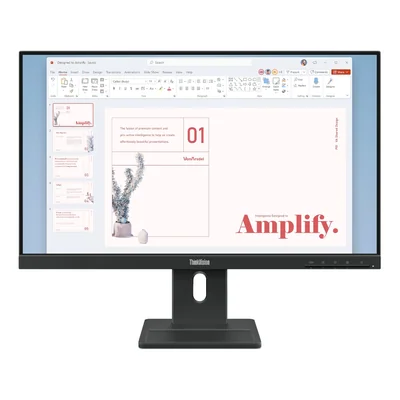
Full HD IPS 100 Hz 6 ms monitor, height-adjustable stand, speakers, black
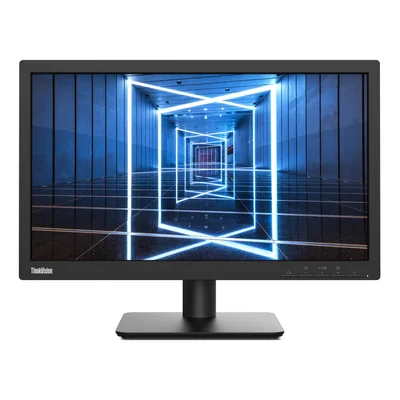
TN monitor, 1600 x 900, 60 Hz, 2 ms, HDMI and VGA, black
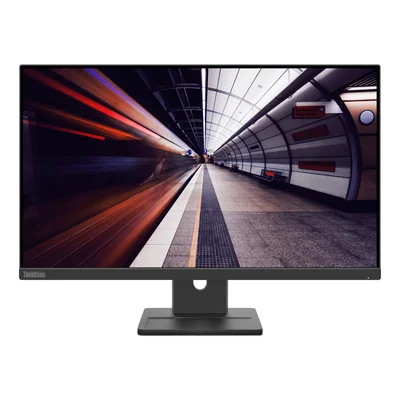
Full HD IPS 100 Hz monitor, speakers, height-adjustable stand, black
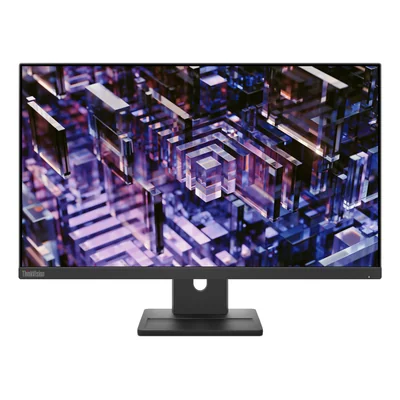
Monitor, QHD IPS, 100 Hz, HDMI, DisplayPort, speakers, adjustable stand, black
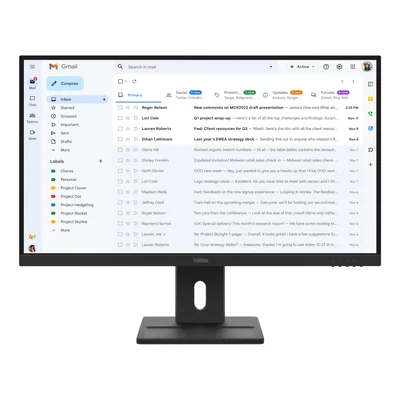
Full HD IPS monitor 100 Hz, DisplayPort, HDMI, VGA, speakers, adjustable stand, black
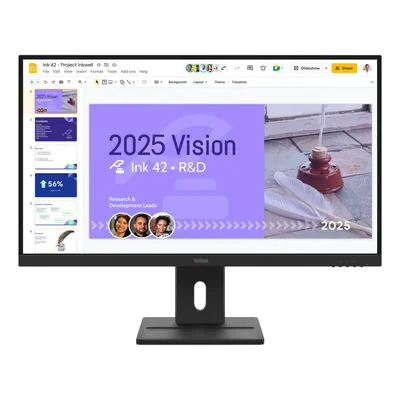
QHD IPS monitor, 100 Hz, 2x HDMI 2.1, DisplayPort, speakers, height-adjustable stand, black
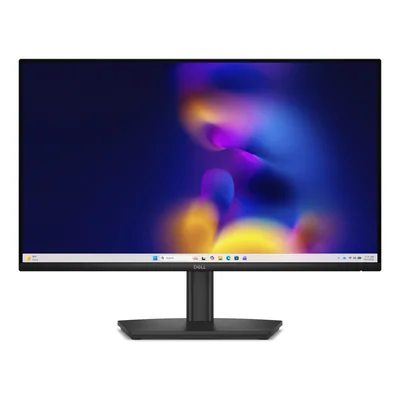
Full HD IPS 120 Hz monitor, height-adjustable stand, speakers, black
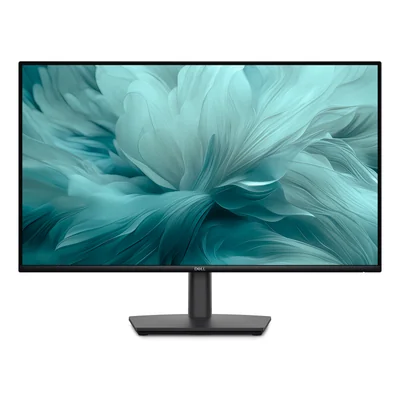
Full HD IPS 100 Hz monitor, height-adjustable stand, HDMI, DisplayPort, VGA, speakers, black
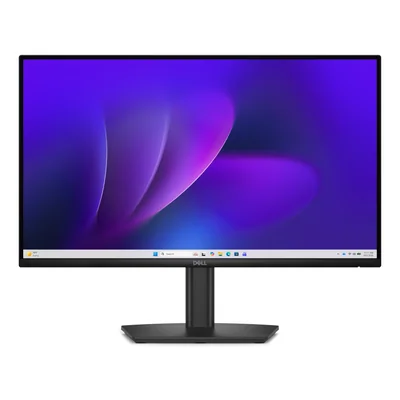
Full HD IPS monitor, 100 Hz, HDMI, DisplayPort, VGA, black
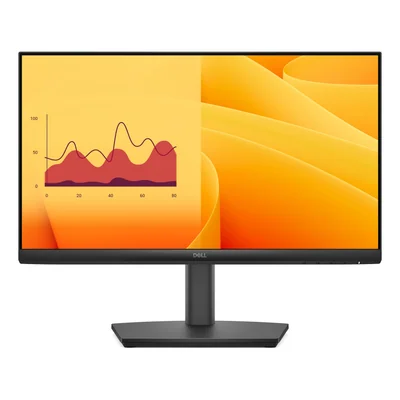
Full HD VA 100 Hz monitor, height-adjustable stand, HDMI, DisplayPort, VGA, speakers
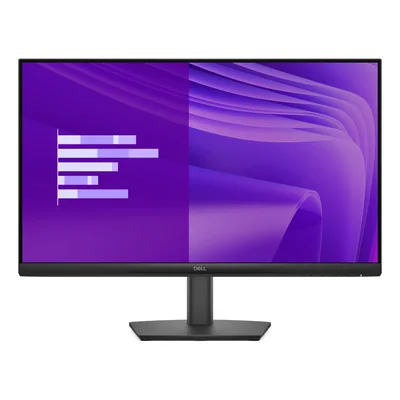
Full HD IPS 100 Hz monitor, DisplayPort, HDMI, VGA, black
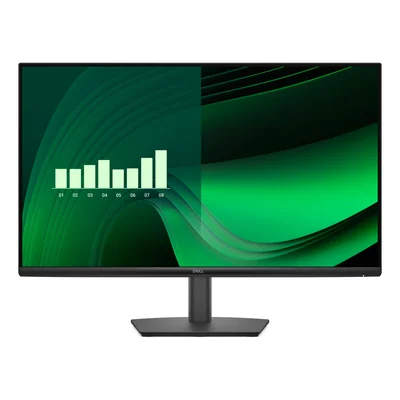
Full HD IPS 100 Hz monitor, HDMI, DisplayPort, VGA, black
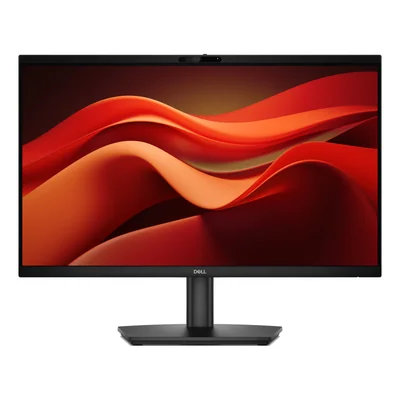
Video conferencing monitor, Full HD IPS 120 Hz, 5 MP webcam, microphone and speakers, black
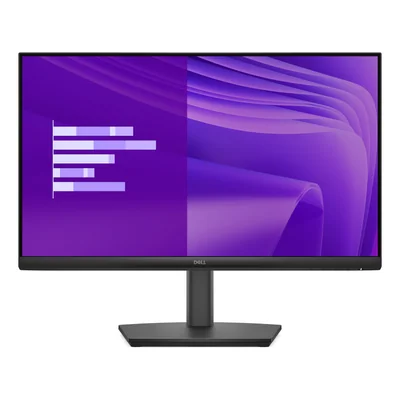
Full HD IPS 100 Hz monitor, height-adjustable stand, HDMI, DisplayPort, VGA, speakers, black
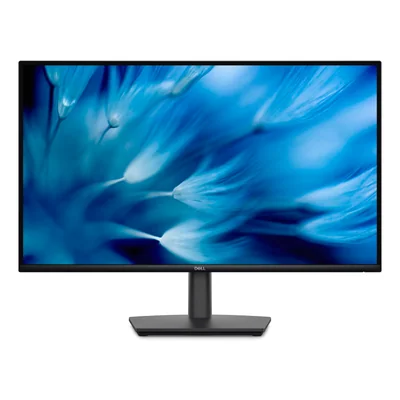
QHD monitor 2560 x 1440, IPS, 100 Hz, HDMI and DisplayPort, speakers, height-adjustable stand, black
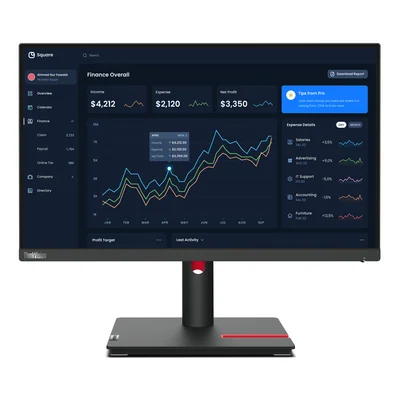
Full HD IPS monitor, HDMI, DisplayPort, VGA, 4-port USB hub, adjustable stand, black
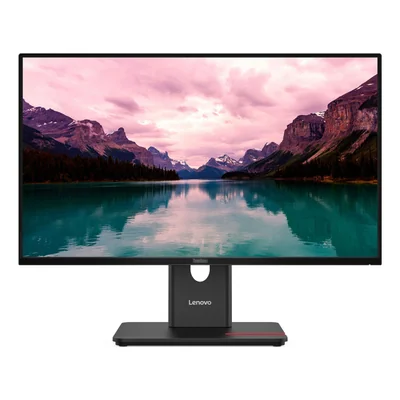
Full HD IPS monitor 120 Hz, HDMI, DisplayPort, VGA, USB hub, adjustable stand, HDMI cable included, black
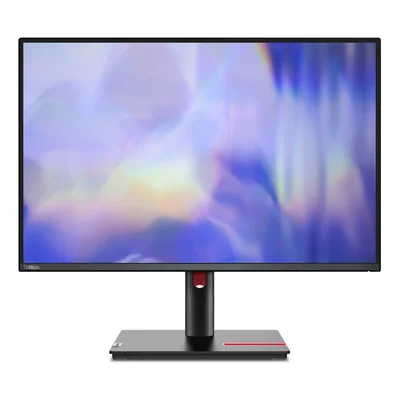
IPS WUXGA 16:10 monitor, 100 Hz, USB hub, speakers, black
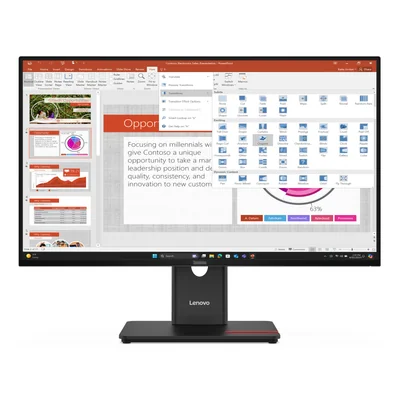
Full HD IPS monitor, 120 Hz, USB hub, fully adjustable stand, black
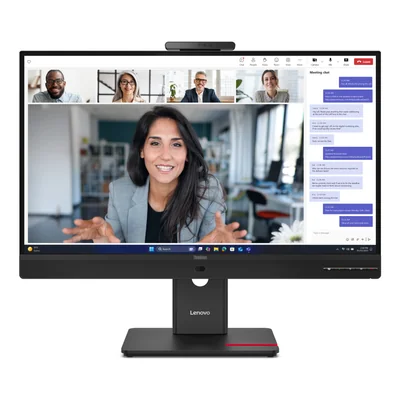
Full HD IPS 120 Hz monitor with 5 MP webcam, microphone, speakers and USB hub, black
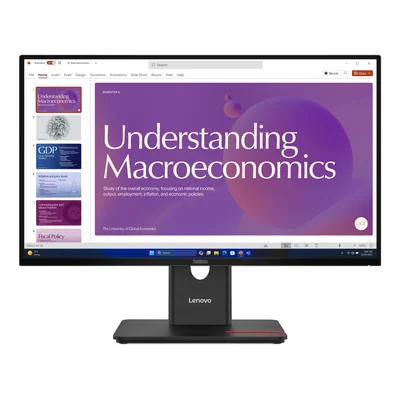
USB-C docking monitor, Full HD IPS 120 Hz, Ethernet, black
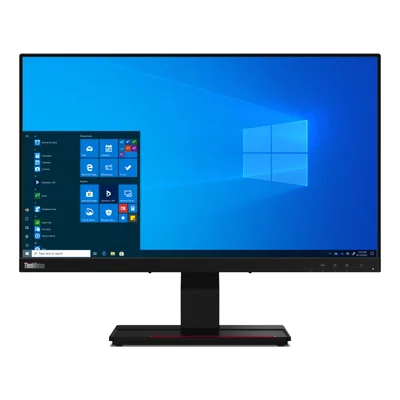
IPS Full HD touchscreen monitor, 10-point touch, USB-C 90 W, black
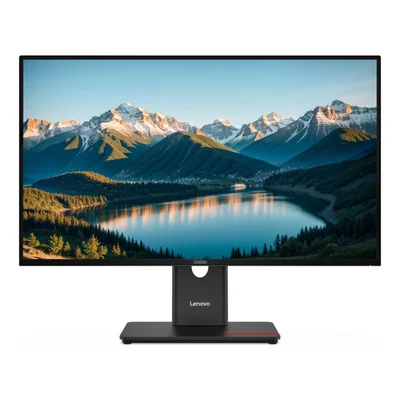
QHD IPS monitor 120 Hz, 2560 x 1440, HDMI 2.1, DisplayPort 1.4, USB hub, black
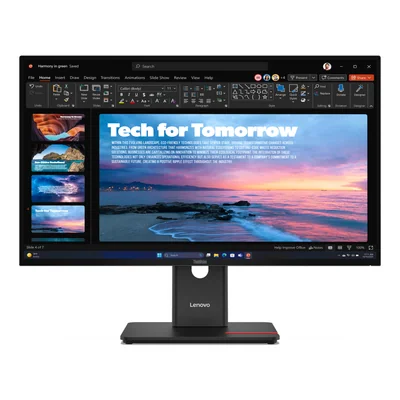
QHD IPS 120 Hz monitor with USB-C docking, USB hub and Ethernet, black
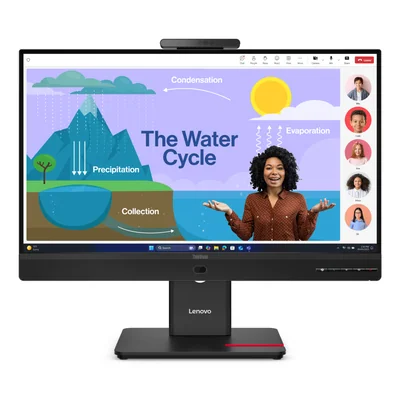
Full HD IPS 120 Hz monitor, 5 MP webcam, 100 W USB-C, Ethernet, black
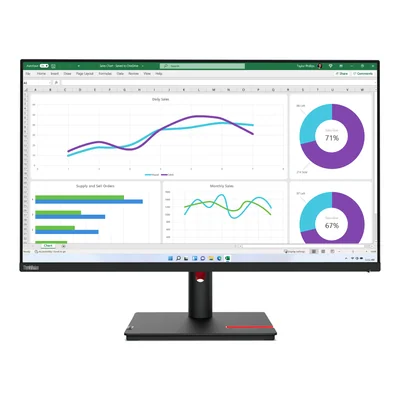
IPS QHD monitor 2560 x 1440, USB-C 90 W, USB hub, Ethernet, black
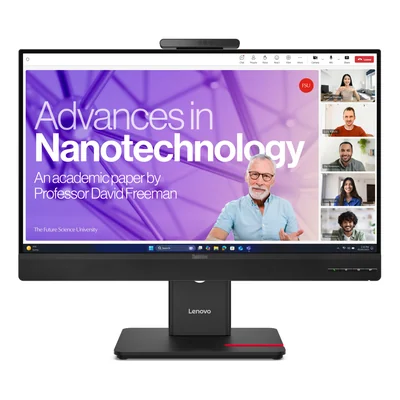
QHD IPS 120 Hz monitor with 5 MP webcam, 100 W USB-C docking and RJ45, black
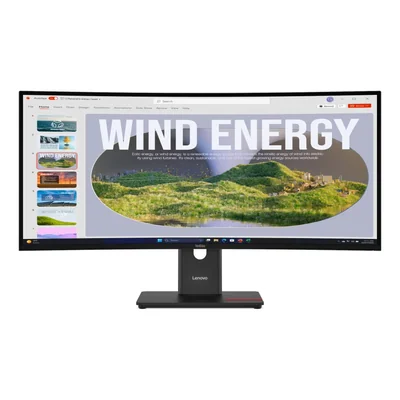
Curved UWQHD 120 Hz monitor, VA panel, USB-C docking 100 W, Ethernet, black
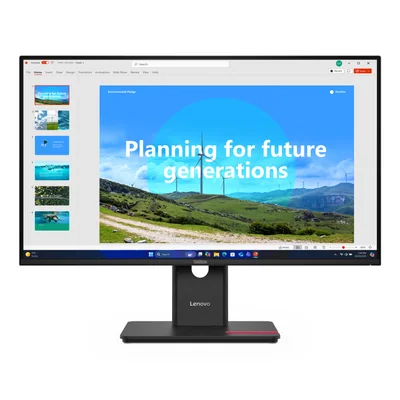
Monitor, Full HD IPS, 120 Hz, USB-C 100 W, RJ45, black
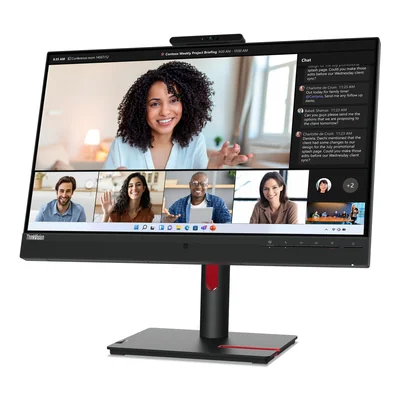
Video conferencing monitor, Full HD IPS, 75 Hz, 5 MP webcam, 90 W USB-C, Ethernet, black
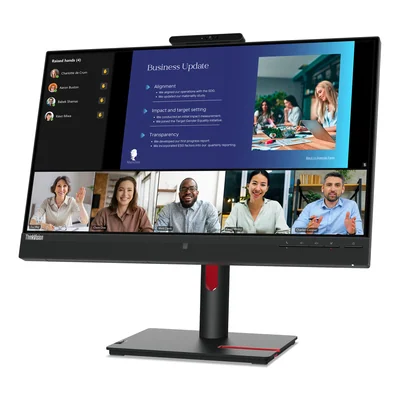
Video conferencing monitor, Full HD IPS, 75 Hz, 1080p IR webcam, microphones, speakers, black
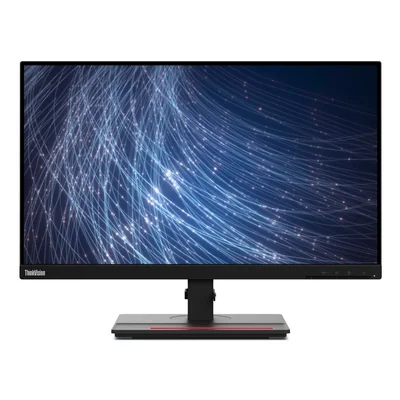
Full HD IPS monitor, 90 W USB-C, RJ45, height-adjustable stand, black
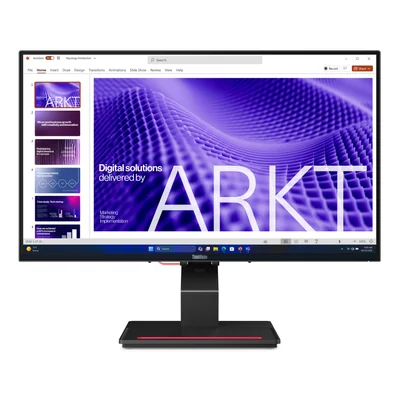
Full HD IPS touchscreen monitor, 120 Hz, USB-C 100 W, RJ45, black
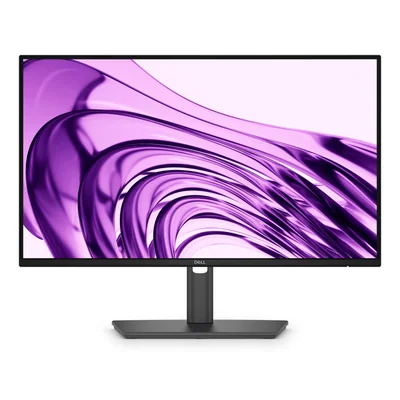
Full HD IPS 100 Hz monitor, USB hub, height-adjustable stand, dark grey
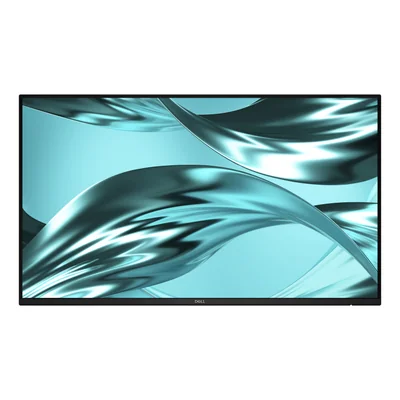
Full HD IPS monitor without stand, 120 Hz, USB hub, HDMI and DisplayPort, grey
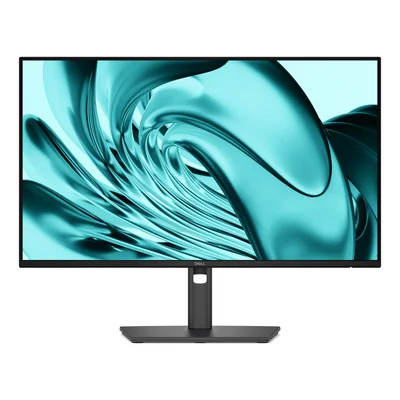
Full HD IPS monitor, 120 Hz, USB hub, height-adjustable stand, dark grey
- USB Type-B · Without built-in camera · With height adjustment
- USB Type-B, USB Type-C · With built-in camera · With height adjustment
- USB Type-C · Without built-in camera · With height adjustment
- USB Type-C · Without built-in camera · Without height adjustment
- With built-in camera · With height adjustment
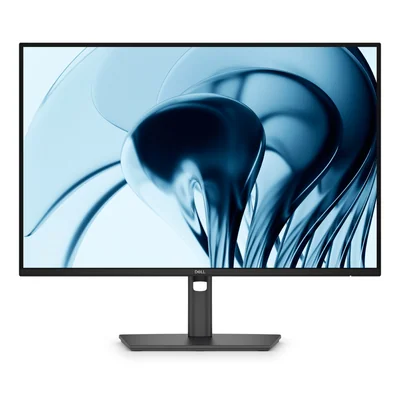
IPS monitor, WUXGA 1920 x 1200, 16:10, 100 Hz, USB hub, HDMI, DisplayPort, dark grey
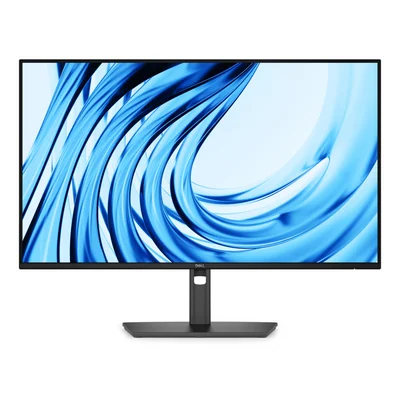
Full HD IPS 120 Hz monitor, 5 Gbit/s USB hub, height-adjustable stand, dark grey
- 1920 x 1080 pixels · Without built-in camera · USB Type-B · With AC, DisplayPort and USB Type-A to USB Type-B cables
- 1920 x 1080 pixels · Without built-in camera · USB Type-B
- 1920 x 1080 pixels · Without built-in camera · USB Type-C · With AC and USB Type-C to USB Type-C cables
- 2560 x 1440 pixels · With built-in camera · USB Type-B, USB Type-C · With AC, DisplayPort, USB Type-A to USB Type-B and USB Type-C to USB Type-C cables
- 2560 x 1440 pixels · With built-in camera · With DisplayPort, USB Type-A to USB Type-B and USB Type-C to USB Type-C cables
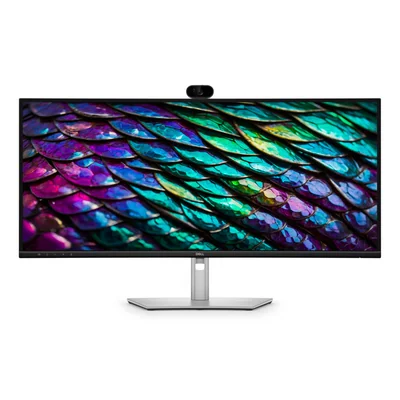
curved video conferencing monitor, WQHD 3440 x 1440, IPS 100 Hz, USB-C hub 90 W, webcam and speakers


Office monitors and PC screens for everyday desk work
Office monitors are built for long hours of spreadsheets, documents and video calls without straining eyes or posture. These PC screens mostly range from 21.5-inch to 34-inch, alongside less common formats such as a 19-inch 5:4 panel or a 49-inch 32:9 curved display. There are also 14-inch and 15.6-inch portable USB-C monitors that travel with a laptop. They include UltraSharp, Dell Pro and Dell Pro Plus, Lenovo ThinkVision, Samsung ViewFinity and Essential Monitor, iiyama ProLite, HP's Pro series and MSI's PRO line, both new and refurbished.
For general office work, a 23.8-inch or 27-inch Full HD screen handles email and spreadsheets comfortably, and adding a matching second monitor doubles the workspace without changing the computer. For comparing long files or columns of figures, a 21:9 ultrawide pulls ahead, such as the 34-inch models at 3440 x 1440, which replace 2 screens with no bezel down the middle. For remote meetings, some models build in a webcam or speakers, freeing the desk from separate accessories.
Resolution should match screen size. At 1920 x 1080 the picture stays sharp up to 24 inches, while a 27-inch or 32-inch screen looks crisper at 2560 x 1440. A 16:10 panel at 1920 x 1200 adds vertical space that helps when reading documents. IPS panels, the most common here, keep colours steady from the side, whereas VA panels, often found on 1500R curved models, deliver deeper blacks. Moving from 60 Hz to 100 Hz or 120 Hz makes scrolling and cursor movement noticeably smoother in daily use.
Before buying, check the computer's video outputs, whether HDMI, DisplayPort, USB-C or VGA on entry-level models, and plan for the right cable. A USB-C monitor supplying 90 W or 100 W charges a laptop while carrying the picture, USB hub and RJ45 network over a single cable, provided the laptop's port supports both display and charging. Some models ship without a stand for use on a monitor arm, and a screen with no height adjustment soon becomes uncomfortable at a desk used all day.
Across a company fleet, sticking to one range such as Dell Pro, ThinkVision T or ViewFinity keeps cabling consistent on shared desks. This matters even more with a USB-C docking monitor or a KVM switch that runs 2 computers from one keyboard and mouse. Public buyers, from secondary schools to town halls, can filter by EPEAT Gold, TCO Certified and ENERGY STAR labels, which public tenders often request. Home workers will find refurbished screens or the Essential Monitor range offer a 27-inch Full HD display with an adjustable stand, while built-in speakers save adding separate ones.
At Dell and Lenovo, the UltraSharp and ThinkVision P ranges aim at more careful display quality, including factory calibration on some models. Samsung takes ViewFinity up to a 49-inch curved screen at 5120 x 1440. ASUS, HP, MSI, iiyama, Philips, Acer, BenQ, LG, AOC International, Viewsonic, Gigabyte and Eizo round out the selection, Eizo with a 24.1-inch 16:10 model.
To help you choose, read our guide Choosing a business monitor.
Frequently asked questions
Should I choose a 24-inch or a 27-inch monitor for office work?
A 23.8-inch or 24-inch screen at 1920 x 1080 suits shallow desks and everyday office tasks. A 27-inch gives more room for 2 windows side by side and looks sharper at 2560 x 1440. At Full HD, a 27-inch remains readable, but text looks less crisp up close.
What is the benefit of a USB-C monitor that charges a laptop?
One USB-C cable carries the picture, charges the laptop at 90 W or 100 W depending on the model, and connects the monitor's USB hub and RJ45 port. Plugging in takes a single move, which is especially handy on shared desks. The laptop's USB-C port must support both video output and charging.
Curved or flat monitor, which is better for work?
A curve such as the 1500R found on VA models keeps the edges of a large screen at the same distance from your eyes. It makes most sense from 32 inches upwards and on 21:9 or 32:9 ultrawides. On a 24-inch or 27-inch model, a flat screen is easier to set up next to a second monitor.
Is a 100 Hz or 120 Hz monitor worth it for office use?
Yes, even without gaming. Compared with 60 Hz, a 100 Hz or 120 Hz screen makes scrolling through web pages, spreadsheets and long documents smoother, and the cursor tracks the mouse more closely. The graphics card and cable must support that refresh rate at the chosen resolution.
What is the difference between IPS and VA panels on an office monitor?
IPS panels keep colours accurate at any viewing angle, which helps when sharing the screen or editing visuals. VA panels offer higher contrast and deeper blacks and often appear on curved screens. For mixed use, IPS remains the more versatile option.
What does a built-in KVM switch do on a monitor?
A KVM switch lets one keyboard and mouse move between 2 computers, such as a work laptop and a desktop PC connected to the same screen. It removes the need for a separate switch box and relies on the monitor's USB hub. It is available depending on the model, notably in the UltraSharp and ViewFinity ranges.