


Point of sale
Which equipment suits your point of sale? Contact us for advice or a quote
Filter by
Brand
Price incl. VAT
Price incl. VAT
Category
Category
Product line
Product line
11 products
Sort by Available first
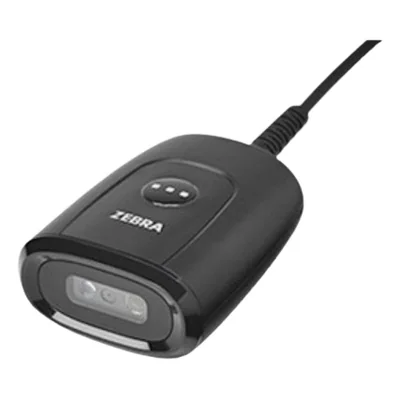
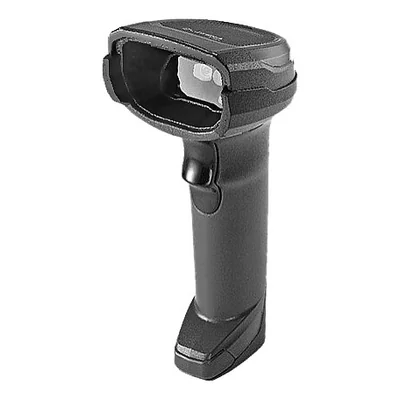
Wired 1D/2D barcode scanner, USB, with stand, black
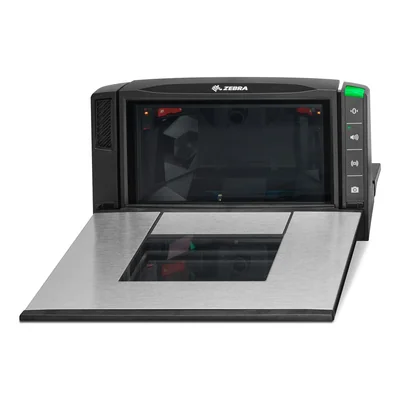
Built-in 1D/2D bioptic barcode scanner, medium size, scale ready, sapphire glass


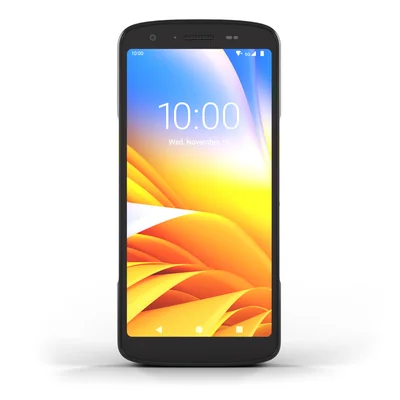
Mobile computer, 5G, Wi-Fi 6E, 1D/2D scanner, 128 GB, 3800 mAh battery, black
- Processor
- Qualcomm 5430
- Memory
- 8 GB
- Operating system
- Android
- Screen
- 6", touch
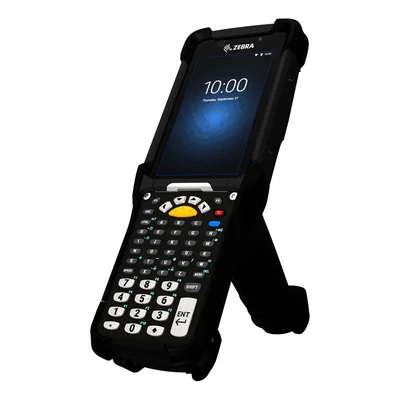
Rugged gun-grip mobile computer, SE4770, 34 keys, 32 GB, NFC
- Processor
- Snapdragon 660
- Memory
- 4 GB
- Operating system
- Android
- Screen
- 4.3", touch


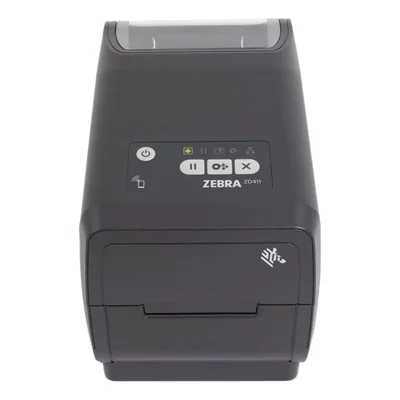
Direct thermal label printer, 203 dpi, 152 mm/s, USB, Bluetooth LE, NFC
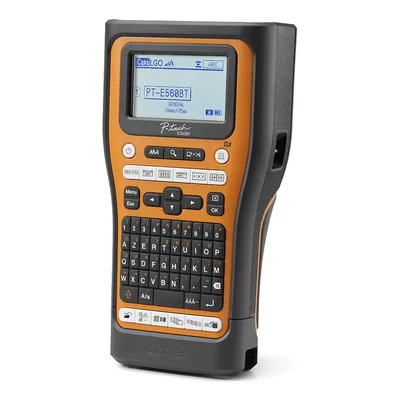
Bluetooth and USB-C label printer, French AZERTY keyboard, TZe and HSE tapes up to 24 mm
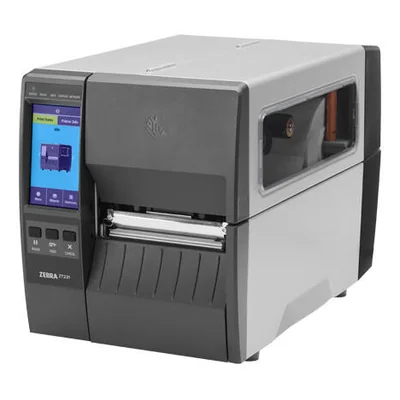
UHF RFID label printer, 300 dpi, direct thermal and thermal transfer, Ethernet, Bluetooth, grey
Unavailable
€1,620.10 incl. VAT
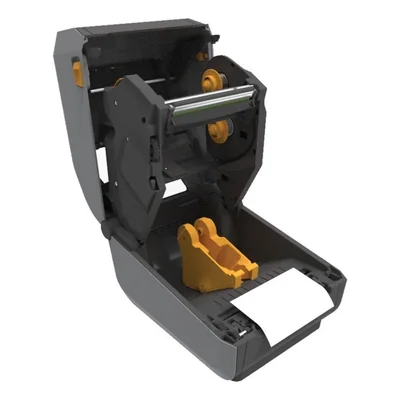
Thermal transfer label printer, 300 dpi, 152 mm/s, Ethernet, USB, serial, Bluetooth LE, grey


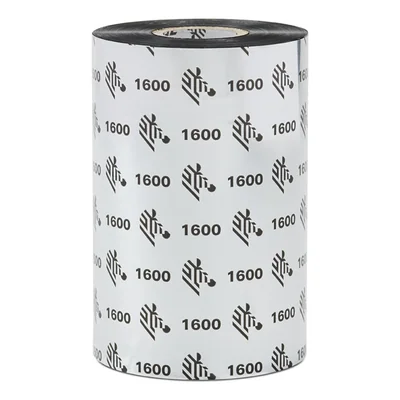 Pack of 18
Wax thermal ribbon, 110 mm x 450 m, 25 mm core, black, pack of 18 rolls

Mobile computers, barcode scanners and POS equipment
Taking payments, counting stock or picking orders without re-keying data depends on reliable barcode reading and hardware that keeps up with daily work on the shop floor. The point of sale range brings together rugged mobile computers, barcode scanners, label printers with their labels and ribbons, POS systems and the accessories around them. Mobile computers come with pistol grips, in touch formats close to a smartphone, with physical keypads or as wearable units.
In a shop, a touch-screen device lets staff check a price, look up stock or take payment in the aisle instead of sending the customer back to the till. In a warehouse, the pistol grip and keypad suit long picking shifts and reading labels on high shelving, while a wearable unit leaves both hands free to handle parcels. In hospitals and pharmacies, versions built to withstand disinfectants are used to track patients and medication.
The scan engine makes the first difference. An imager reads linear barcodes as well as matrix codes such as QR codes, even on a phone screen. A laser scanner only handles linear codes, and long-range versions reach labels on high racking. A 4.3-inch screen paired with a 34-key keypad, as on the Zebra pistol-grip computer, speeds up entering quantities. A large touch screen makes business apps easier to read. On Android, 4 GB of memory and 32 GB of storage run everyday data-capture apps, and larger configurations leave headroom as updates arrive.
Before buying, check that your till or stock management software runs on Android and supports the device you have in mind. Connectivity depends on where the work happens. A Wi-Fi-only model suits a site covered by your own network, while a cellular version with a SIM or eSIM serves drivers on the road and field teams. Charging cradles, spare batteries and cases are often forgotten when ordering, yet they shape everyday use.
For an independent shop, one touch-screen device or a Bluetooth scanner paired with a tablet often covers checkout and stocktakes. When several teams within one company are equipped, a single model lets cradles, batteries and settings be shared and the whole fleet be managed from a central tool. Local authorities, libraries and schools usually find that a scanner connected to existing computers handles lending and asset inventories.
Honeywell offers keypad models, full-touch devices, disinfectant-ready versions and a wearable computer. Zebra covers everything from the rugged pistol-grip computer to touch formats and compact smartphone-style devices. Datalogic offers Skorpio with a keypad or pistol grip, alongside Joya Touch and a healthcare edition of Memor. Newland adds rugged handhelds, Socket Mobile brings its XtremeScan Bluetooth scanners, and Elo Touch Systems, Custom and Ergonomic Solutions are present around the checkout counter.
Frequently asked questions
Should I choose a mobile computer or a barcode scanner for my business?
A barcode scanner only reads codes and sends them to a computer, tablet or phone, often over Bluetooth. A mobile computer adds a screen, Android and your business apps, so staff can check stock or enter quantities without going back to a desk. A scanner is enough at the till, while a mobile computer suits work on the move.
Do I need an imager or a laser scanner to read barcodes?
A laser scanner reads standard linear barcodes only. An imager also reads matrix codes such as QR codes, including on a phone screen, which covers tickets, vouchers and modern logistics labels. If your labels sit high up on shelving, look for a long-range version, depending on the model.
Pistol grip, keypad or touch screen, which mobile computer format suits me?
A pistol grip eases strain on the wrist during repeated scanning in a warehouse, and a physical keypad speeds up entering quantities, like the 34-key keypad on the Zebra computer with its 4.3-inch screen. Full-touch, smartphone-style formats are better suited to retail floors and apps with several screens.
Is a Wi-Fi-only device enough, or do I need a cellular version?
A Wi-Fi-only model is enough if the device stays within a shop or warehouse covered by your network. A cellular version, with a SIM or eSIM depending on the model, is needed for drivers on the road, field technicians or stocktakes at sites without Wi-Fi. Also check that your network reaches remote storage areas.
How much memory should an Android mobile computer have?
With 4 GB of memory and 32 GB of storage, a device runs everyday data-capture and stock lookup apps. If you plan to keep several business apps open at once or to use the device for many years, a larger configuration leaves headroom as Android updates arrive.
Which accessories should I plan for with a mobile computer?
A charging cradle, single or multi-slot, recharges devices between shifts and often handles data syncing too. Spare batteries keep a round going without interruption, and a case or hand strap protects the device day to day. Depending on the model, the battery can be swapped without switching the device off.
Are there mobile computers suited to hospitals and pharmacies?
Yes, some devices come in a healthcare edition, with housings built to withstand frequent cleaning with disinfectants. This is the case for disinfectant-ready Honeywell models and the Datalogic Memor range. They are used to track patients, samples and medication.